 techtvnew_tv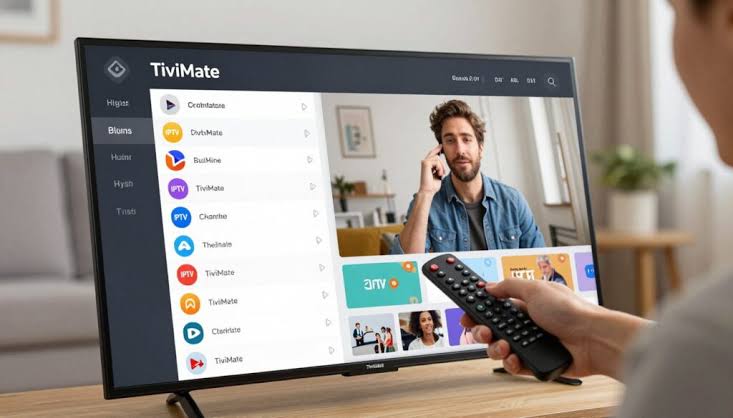
What Is TiviMate?
TiviMate is one of the most advanced IPTV players designed primarily for Android TV and Firestick devices. Unlike basic IPTV apps, it focuses on providing a premium television-like experience with a modern interface, advanced channel management, and powerful customization tools.
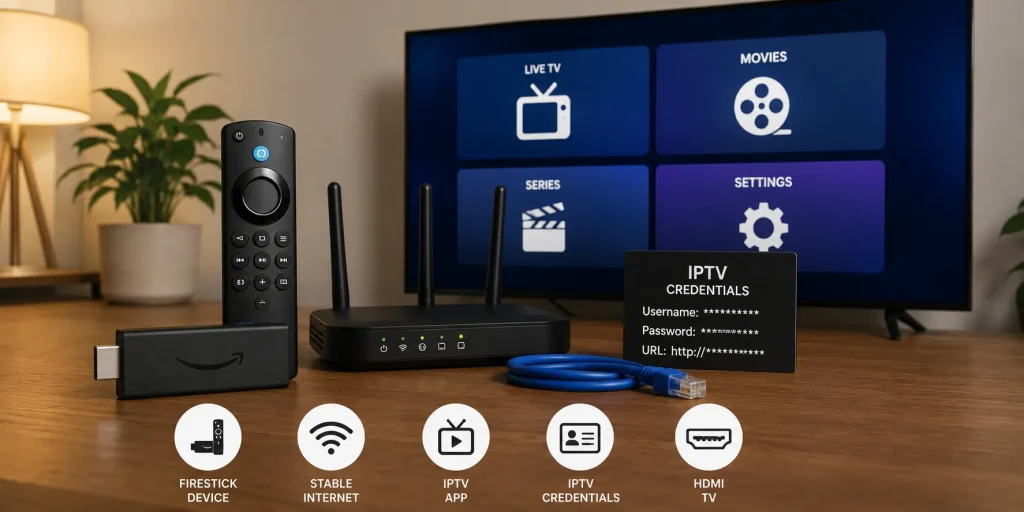
It does not provide any IPTV content itself. Instead, it works as a player that requires an IPTV subscription using M3U playlists or Xtream Codes credentials.
TiviMate is especially popular among users who want a cable TV style interface with better organization and smoother navigation.
Why TiviMate Is Popular
TiviMate stands out because it offers a more polished and TV friendly experience compared to many IPTV apps.
Key reasons users prefer it:
- Clean and modern interface
- Fast channel switching
- Advanced EPG support
- Favorites and playlist management
- Multiple playlist support
- Better remote control navigation
It is designed specifically for large-screen devices like Firestick and Android TV boxes.
Devices Compatible with TiviMate
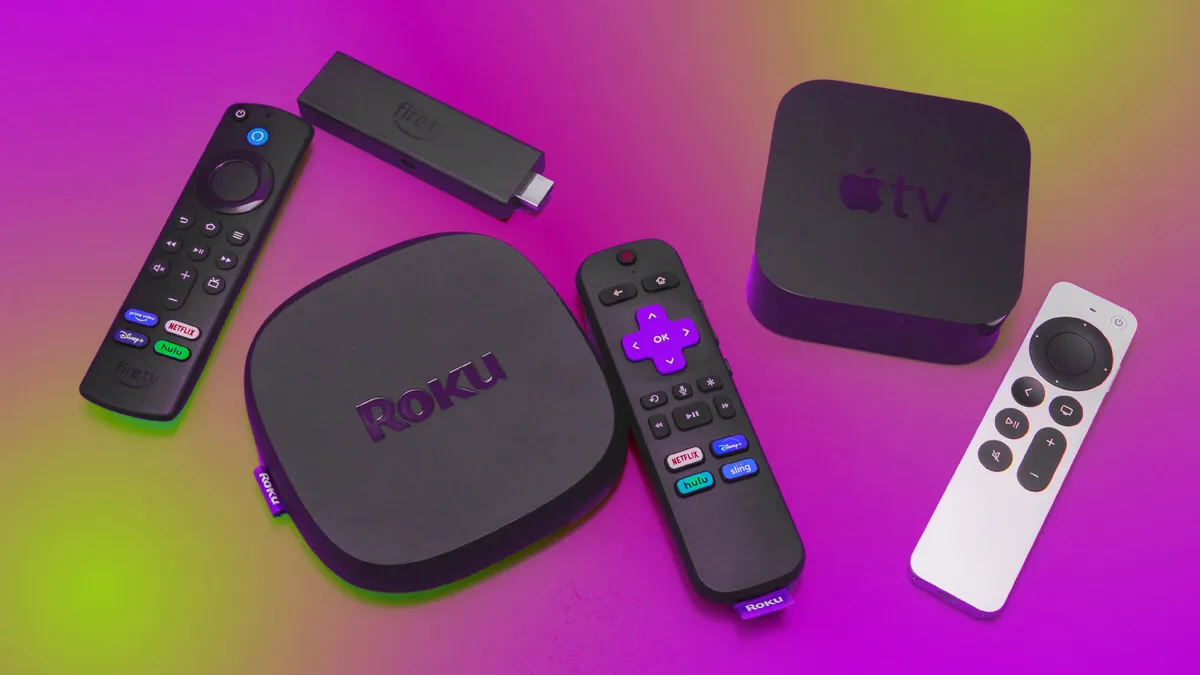
TiviMate is mainly built for Android based TV platforms.
Supported devices:
- Amazon Firestick (via sideloading)
- Android TV boxes
- Smart TVs with Android TV OS
- NVIDIA Shield TV
- Some Android emulators on PC
It is not officially available for iOS or standard iPhone devices.
Step 1: Install TiviMate
Since TiviMate is not always available in official app stores, installation may require sideloading on some devices.
On Android TV:
- Open Google Play Store
- Search TiviMate IPTV Player
- Install official version
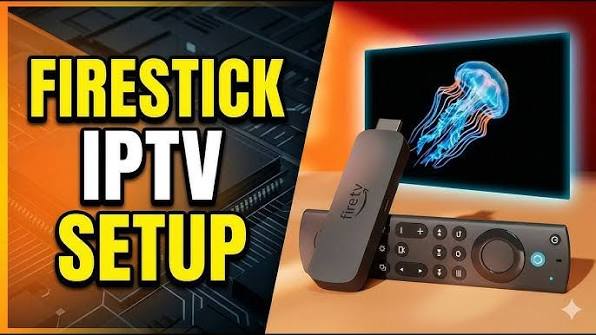
On Firestick:
- Enable “Apps from Unknown Sources”
- Use Downloader app
- Install TiviMate APK manually
After installation, open the app to begin setup.
Step 2: Add IPTV Playlist
TiviMate supports multiple playlist formats.
You can add:
- M3U Playlist URL
- Xtream Codes API login
Setup process:
- Open TiviMate
- Select Add Playlist
- Choose input method
- Enter IPTV credentials
- Wait for channels to load
Once completed, channels are automatically organized into categories.
Step 3: Configure EPG (TV Guide)
EPG is one of TiviMate’s strongest features.
Setup options:
- Automatic EPG from provider
- Manual EPG URL input
Benefits:
- TV schedule view
- Program information
- Better channel browsing
A properly configured EPG makes TiviMate feel like traditional cable TV.
Step 4: Organize Channels
TiviMate allows advanced channel customization.
Features include:
- Create favorites list
- Hide unwanted channels
- Rearrange channel order
- Group channels by category
- Rename playlists
This level of control is one of the reasons users prefer TiviMate.
Step 5: Adjust Playback Settings
Optimizing playback improves performance and reduces buffering.
Recommended settings:
- Enable hardware decoding
- Adjust buffer size
- Use external player (optional)
- Enable auto frame rate (if supported)
These settings help improve stability on Firestick and Android TV.
Step 6: TiviMate Premium Features
TiviMate has a premium version that unlocks advanced features.
Premium includes:
- Multiple playlists support
- Catch up TV (if supported by provider)
- Recording feature
- Advanced EPG customization
- Favorites management
- Custom UI layout
For heavy IPTV users, premium version offers a significantly better experience.
Step 7: Fix Common TiviMate Issues
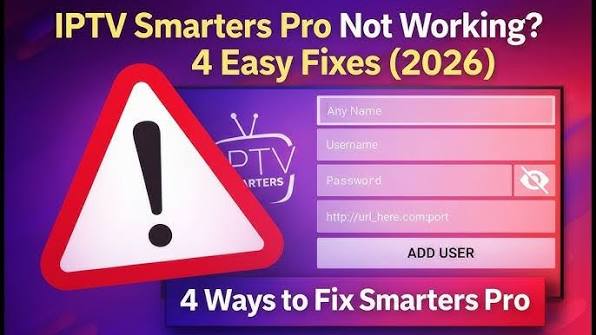
App not loading channels:
- Check IPTV credentials
- Reload playlist
- Restart app
Buffering issues:
- Reduce video quality
- Use Ethernet connection
- Restart router
EPG not working:
- Refresh EPG manually
- Re-enter EPG URL
- Wait for provider sync
App crashing:
- Clear cache
- Update app
- Free storage space
Step 8: Optimize TiviMate Performance
For best results:
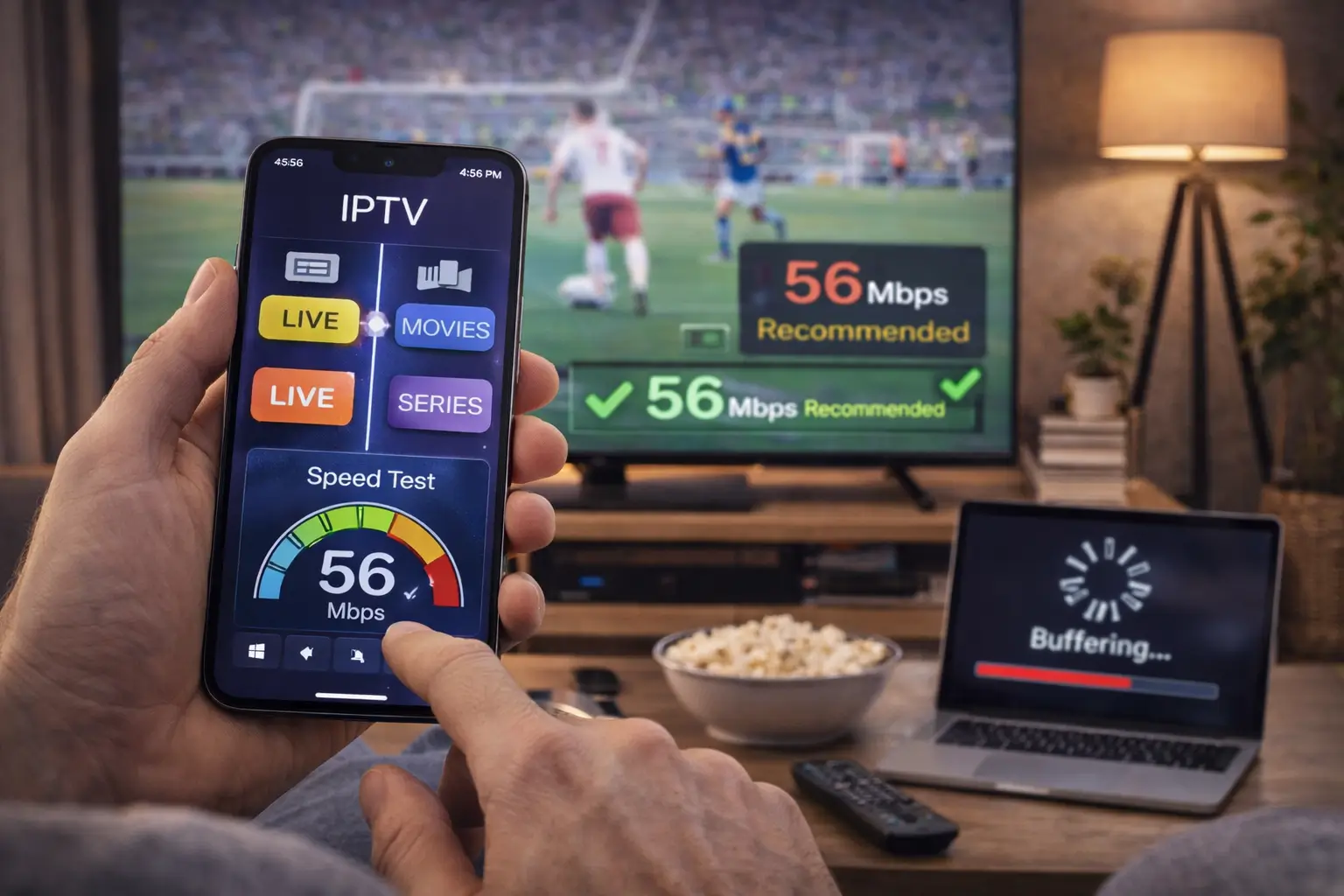
- Use stable internet (20 Mbps+)
- Prefer wired Ethernet connection
- Keep app updated
- Clear cache regularly
- Avoid overloaded playlists
Performance depends heavily on both device and IPTV provider quality.
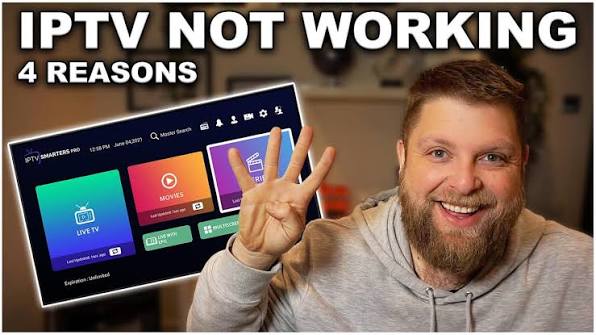
Step 9: TiviMate vs IPTV Smarters
TiviMate advantages:
- Better UI for TV screens
- Faster navigation
- Advanced customization
- Superior EPG system
IPTV Smarters advantages:
- Easier setup for beginners
- Works on more platforms (including mobile)
- Simpler interface
TiviMate is generally preferred for dedicated TV setups.
Step 10: Best Settings for Firestick
To improve performance on Firestick:
- Use 5 GHz Wi-Fi or Ethernet
- Disable unused apps
- Keep storage free
- Restart device weekly
- Use lightweight playlists
These steps significantly reduce buffering and lag.
Frequently Asked Questions
Is TiviMate free?
Yes, but premium features require a paid subscription.
Does TiviMate include channels?
No, it is only an IPTV player.
Can I use TiviMate on Firestick?
Yes, via sideloading installation.
Why is TiviMate buffering?
Usually due to internet issues or IPTV server overload.
Is TiviMate better than IPTV Smarters?
For TV experience and customization, yes.
Conclusion
TiviMate is one of the most powerful IPTV players available for Android TV and Firestick users. With its clean interface, advanced EPG system, and extensive customization options, it delivers a premium cable TV like experience.
When properly configured with a stable IPTV provider and optimized network settings, TiviMate offers one of the smoothest and most professional IPTV experiences available today.
For the latest IPTV best practices in 2026, visit our Ultimate IPTV Guide 2026: Setup, Streaming & Troubleshooting.