 techtvnew_tv
What Are Xtream Codes?
Xtream Codes is a login-based IPTV system used by many IPTV providers to deliver live TV, movies, and video on demand content. Instead of using a long playlist URL like M3U files, Xtream Codes allows users to log in using a username, password, and server URL.
This system organizes IPTV content in a structured way and is commonly supported by modern IPTV applications on devices such as Firestick, Android TV, Smart TVs, and mobile phones.
Xtream Codes is not an IPTV service itself. It is a method used by IPTV providers to manage and authenticate user access to streaming content.
How Xtream Codes Works
Xtream Codes works through a server client model.
The IPTV provider hosts content on a server and assigns login credentials to users. When a user enters these credentials into an IPTV app, the application connects to the server and retrieves:
- Live TV channels
- Video on demand (VOD) content
- Series and episodes
- Electronic Program Guide (EPG)
Instead of loading a full playlist file, the app dynamically fetches content from the server.
Xtream Codes Login Details
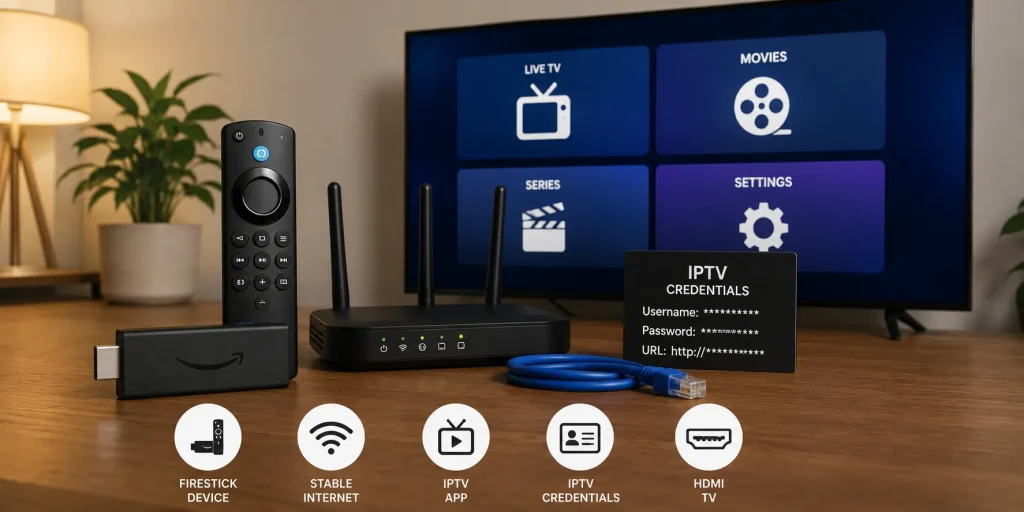
To use Xtream Codes, users typically need three pieces of information:
- Username
- Password
- Server URL (Portal or Host URL)
These details are provided by the IPTV service provider after subscription.
Once entered into a compatible IPTV app, the system automatically syncs available content.
Xtream Codes vs M3U Playlist
Both Xtream Codes and M3U playlists are widely used in IPTV services, but they function differently.
M3U Playlist
An M3U playlist is a text file or URL containing direct links to IPTV streams. It is simple but static, meaning it does not update dynamically unless refreshed.
Xtream Codes
Xtream Codes uses login credentials to dynamically fetch content from a server. It is more structured and often easier to manage for users.
Key Differences
- M3U uses URLs, Xtream uses login credentials
- Xtream offers dynamic updates, M3U is static
- Xtream often supports better organization
- M3U is more universal across older apps
Both formats achieve the same goal: delivering IPTV content to the user.
Advantages of Xtream Codes
Xtream Codes offers several benefits for IPTV users.
Easy Login System
Instead of copying long URLs, users simply enter username and password.
Better Organization
Content is automatically categorized into:
- Live TV
- Movies
- Series
Faster Setup
Setup is usually quicker compared to manually loading playlists.
Automatic Updates
New channels and content are often updated automatically without needing to reload playlists.
Multi Device Support
Xtream Codes works across multiple devices and IPTV apps.
Disadvantages of Xtream Codes
Despite its benefits, Xtream Codes also has limitations.
Dependency on Server
If the IPTV server goes down, access is lost completely.
Requires Internet Stability
A weak connection can cause login failures or buffering issues.
Provider Lock-In
Users are dependent on the IPTV provider’s infrastructure and cannot easily switch servers without new credentials.
How to Use Xtream Codes
Setting up Xtream Codes is simple if you follow the correct steps.
Step 1: Install IPTV App
First, install a compatible IPTV player that supports Xtream Codes login.
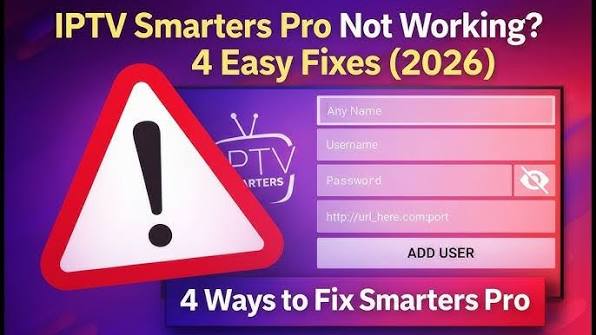
Step 2: Open Login Section
Launch the app and select “Login with Xtream Codes API” or similar option.
Step 3: Enter Credentials
Input the username, password, and server URL provided by your IPTV provider.
Step 4: Load Content
The app will connect to the server and load channels, movies, and series automatically.
Step 5: Start Streaming
Once loading is complete, you can begin watching content immediately.
Devices That Support Xtream Codes
Xtream Codes works on many platforms, including:
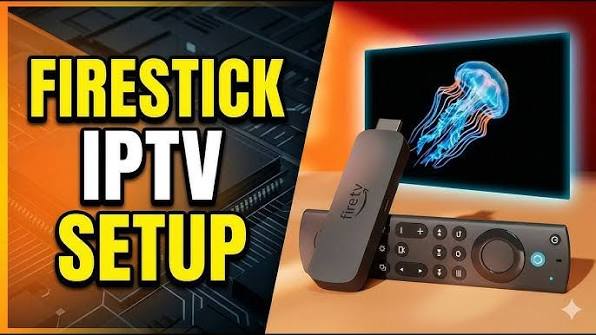
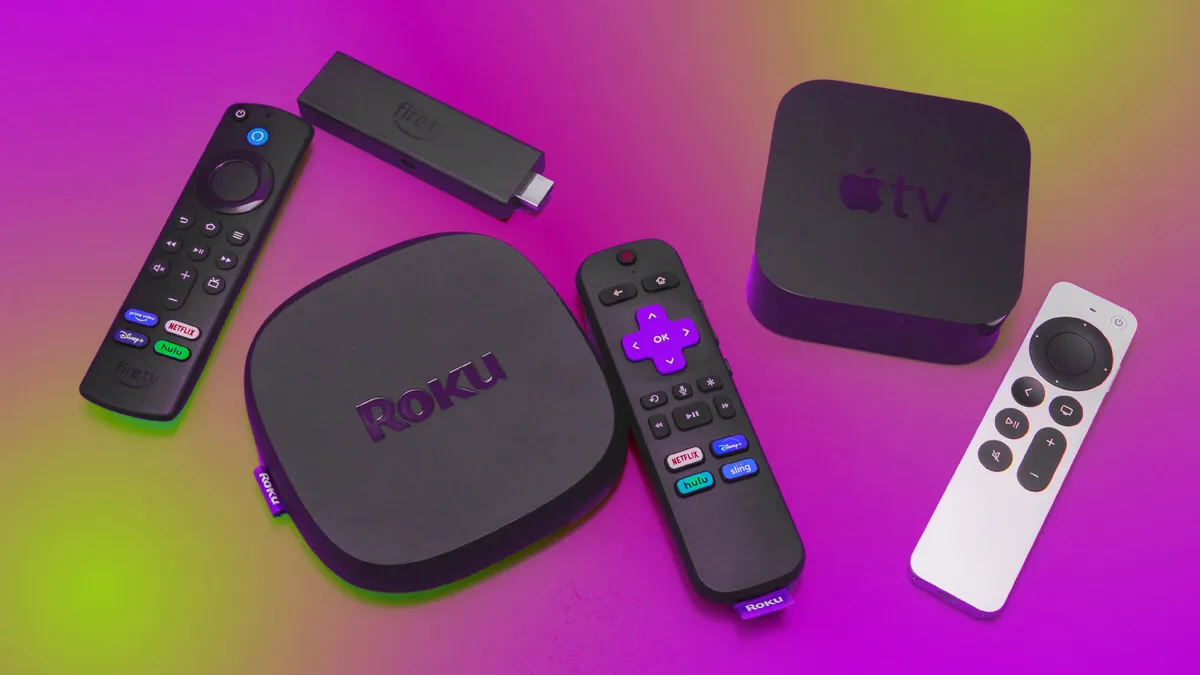
- Amazon Firestick
- Android TV
- Smart TVs
- Android smartphones
- iPhones
- Windows PCs
- Mac computers
Most modern IPTV applications include Xtream Codes support by default.
Xtream Codes and IPTV Apps
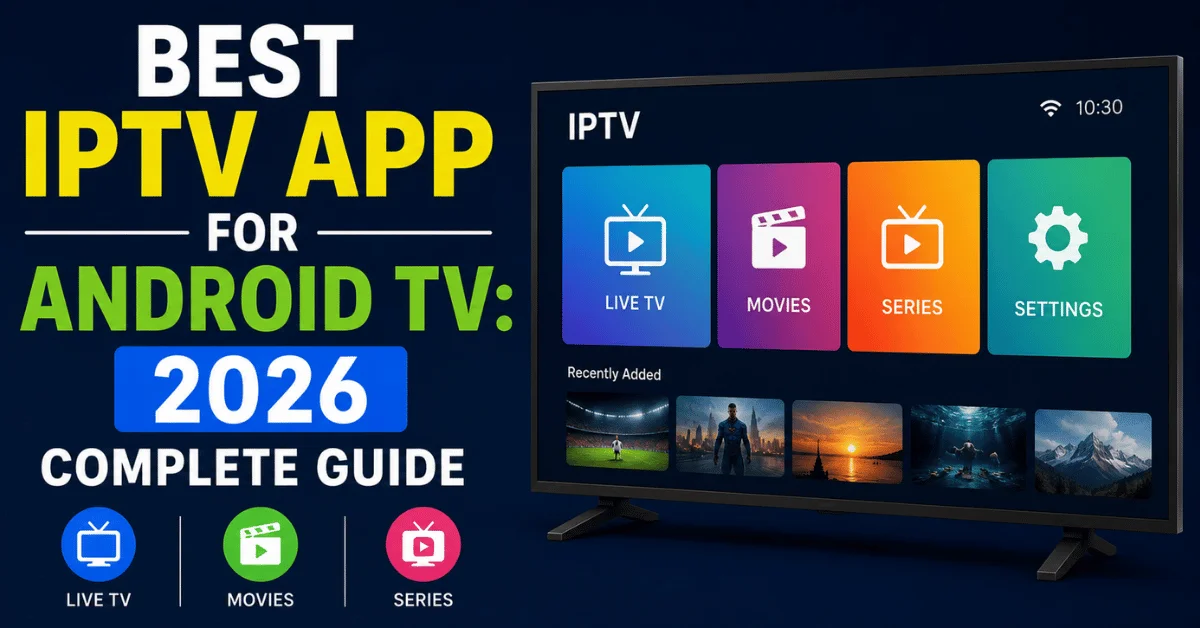
Many popular IPTV apps support Xtream Codes integration, including:
- IPTV Smarters Pro
- TiviMate
- OTT Navigator
- Televizo
- Smart IPTV apps
These applications allow users to log in and access content without manually managing playlist files.
Is Xtream Codes Legal?
Xtream Codes as a technology is completely legal. It is simply a method for managing IPTV access.
However, legality depends on how it is used and the content being streamed. Users should always ensure they are accessing content from legitimate and licensed IPTV providers that comply with local laws.
Common Xtream Codes Issues
Users may sometimes face problems when using Xtream Codes.
Login Failed
This usually happens due to incorrect username, password, or server URL.
No Channels Loading
This may indicate server downtime or expired subscription.
Buffering Issues
Often caused by slow internet, overloaded servers, or network congestion.
App Not Compatible
Some older IPTV apps may not support Xtream Codes properly.
Troubleshooting Xtream Codes
If you experience issues, try the following:
- Double-check login credentials
- Restart IPTV application
- Restart your internet router
- Switch to a different network
- Update IPTV app
- Contact IPTV provider support
Most issues are resolved by verifying credentials or restarting the system.
Xtream Codes Security Considerations
Since Xtream Codes uses login credentials, it is important to keep them secure.
Avoid sharing your username and password with unauthorized users. Using secure IPTV applications and trusted providers also reduces risks of account misuse.
Faq
What is Xtream Codes used for?
Xtream Codes is used to log into IPTV services using a username, password, and server URL instead of playlist files.
Is Xtream Codes better than M3U?
It depends on user preference. Xtream Codes is easier to use, while M3U offers more manual control.
Can I use Xtream Codes on Firestick?
Yes. Most IPTV apps on Firestick support Xtream Codes login.
Do all IPTV apps support Xtream Codes?
No. Only modern IPTV applications include Xtream Codes API support.
Why is Xtream Codes not working?
It may be due to incorrect login details, expired subscription, or server issues.
Conclusion
Xtream Codes is a widely used IPTV login system that simplifies access to live TV, movies, and on-demand content. By replacing long playlist URLs with simple login credentials, it provides a more organized and user-friendly experience.
While it offers convenience and automatic updates, its performance depends heavily on the IPTV provider and server stability. Understanding how Xtream Codes works helps users troubleshoot issues more effectively and enjoy a smoother IPTV experience across all compatible devices.
Our all-in-one IPTV guide covers setup, streaming, and performance optimization.