techtvnew_tv
Lets be honest nothing is more annoying than when you finally sit down to watch something… and suddenly the video freezes, buffers or just refuses to load.
The good news? Most streaming problems are actually super easy to fix You dont need to be a tech expert you just need to know whats causing the issue.
In this guide, well go through the most common problems and how to fix them step by step in a simple, friendly way.
Why Streaming Problems Happen in the First Place
Most issues come from just a few things:
- Weak or unstable internet
- Overloaded apps or devices
- Outdated software
- Server issues from streaming providers
- Wrong settings or configuration
Once you understand this, fixing things becomes way easier.
Fixing Buffering Issues (Most Common Problem)
Buffering is when your video keeps stopping and loading.
Quick Fixes
✔ Restart your router
Simple but very effective.
✔ Lower video quality
Switch from 4K → HD or SD.
✔ Use 5GHz Wi-Fi
Much faster and more stable than 2.4GHz.
✔ Close background apps
Free up bandwidth and device memory.
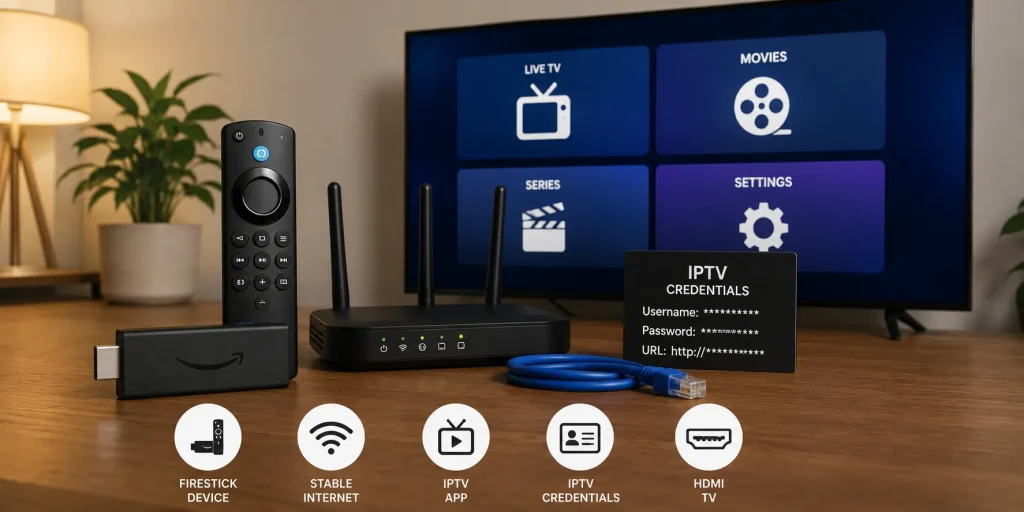
IPTV Not Working? Here’s the Fix
IPTV issues are usually caused by login or server problems.
Step by Step Fix
✔ Check your M3U or Xtream Codes
Even a small typo breaks everything.
✔ Restart IPTV app
Always try this first.
✔ Update playlist
Your provider may have changed servers.
✔ Try another device
Helps identify if issue is device-related.
Smart TV Apps Not Opening
This is very common on older Smart TVs.
Fix It Fast
✔ Restart TV
Turn off completely, not just standby.
✔ Clear app cache
Removes corrupted temporary files.
✔ Update software
Old firmware = app crashes.
✔ Reinstall app
Fresh install often solves everything.
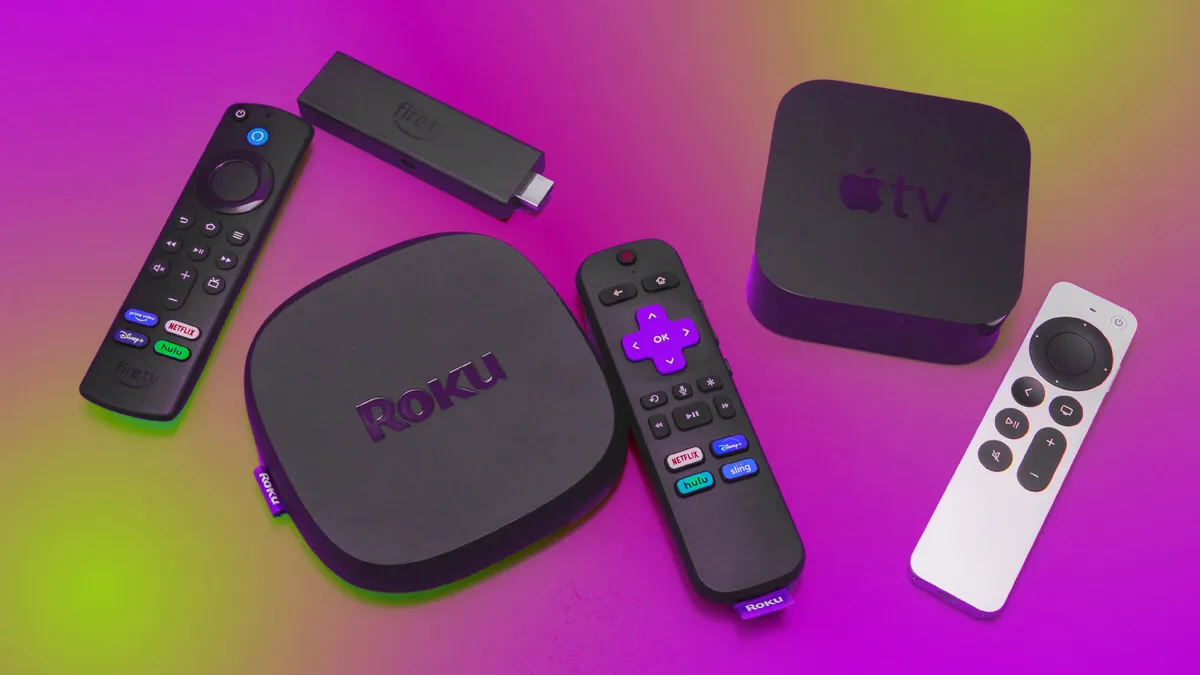
Streaming Device Problems (Firestick, Roku, etc.)
Slow Performance
✔ Free up storage
Delete unused apps.
✔ Restart device
Clears memory instantly.
✔ Update firmware
Important for stability.
Remote Not Working
✔ Replace batteries
Most common fix.
✔ Re-pair remote
Hold pairing button (varies by device).
Internet Issues Affecting Streaming
Your internet is often the real problem not the app.
How to Fix
✔ Restart router
Fixes 70% of connection issues.
✔ Move closer to router
Reduces signal loss.
✔ Use Ethernet cable
Best stability possible.
✔ Check speed
Minimum 10 Mbps for HD streaming.
Audio and Video Sync Problems
When sound doesnt match video.
Fixes
✔ Restart app or stream
✔ Switch channel or server
✔ Adjust audio delay settings (if available)
✔ Update app
Apps Crashing or Freezing
Solutions
✔ Clear cache
✔ Update app
✔ Reinstall app
✔ Restart device
Simple but effective.
Black Screen or No Signal
Fix It
✔ Check HDMI cable
✔ Switch HDMI port
✔ Restart device
✔ Select correct input source
IPTV Channels Not Loading
What to do
✔ Check subscription status
✔ Refresh playlist
✔ Re-login
✔ Try VPN (if ISP blocks streams)
How to Prevent Problems Before They Happen
✔ Keep devices updated
✔ Restart router weekly
✔ Don’t overload apps
✔ Use stable internet
✔ Avoid unknown IPTV providers
Prevention is always easier than fixing.
Pro Tips for Smooth Streaming
- Use wired Ethernet when possible
- Prefer 5GHz Wi-Fi
- Keep storage clean
- Restart devices regularly
- Use reliable apps only
Conclusion
Most streaming issues look complicated, but in reality, theyre usually caused by simple things like internet, settings, or outdated apps.
Once you learn these basic fixes, you can solve 90% of problems in under 5 minutes without needing any technical help.
FAQs
1. Why does my streaming keep buffering?
Usually due to slow internet or overloaded servers.
2. Why is my IPTV not working?
Incorrect login, expired subscription, or server issues.
3. How do I fix Smart TV apps crashing?
Restart TV, clear cache, or update software.
4. Do I need fast internet for streaming?
Yes, at least 10 Mbps for HD content.
5. Should I use a VPN for streaming?
It can help with privacy and bypassing ISP restrictions.