techtvnew_tv
Streaming is amazing… until you hit a This content is not available in your region message or your internet suddenly slows down for no reason.
Thats where VPNs and streaming security come in.
In this guide, well break everything down in a simple, friendly way so you can stream safely, protect your privacy, and unlock content without stress.
What is a VPN?
A VPN (Virtual Private Network) is a tool that creates a secure, encrypted connection between your device and the internet.
In simple terms:
It hides your real location and makes it look like youre browsing from another country.
Why VPN is Important for Streaming
People use VPNs for streaming because:
- It unlocks geo-restricted content
- It protects privacy
- It prevents ISP tracking
- It can reduce throttling
- It improves security on public Wi-Fi
Basically, it gives you more freedom and safety online.
How VPN Helps with Streaming
1. Bypassing Geo Blocks
Some content is only available in certain countries.
Example:
- US Netflix library ≠ UK Netflix library
A VPN lets you switch your virtual location and access different libraries.
2. Preventing ISP Throttling
Some internet providers slow down streaming traffic.
A VPN hides your activity, so your ISP can’t easily throttle it.
3. Safer Public Wi-Fi Use
If youre streaming in cafés or airports, VPN encrypts your data so hackers cant intercept it.
How to Set Up a VPN for Streaming
Its actually very simple:
Step 1: Choose a VPN Provider
Look for:
- Fast servers
- No-logs policy
- Multiple country locations
- Streaming support
Step 2: Install the App
- Download VPN app on your device
- Log in with account
Step 3: Connect to a Server
- Choose country (e.g., US, UK, Canada)
- Click Connect
Step 4: Open Your Streaming App
Now your content library may change based on location.
Best Devices for VPN Use
VPNs work on:
- Smart TVs (some models)
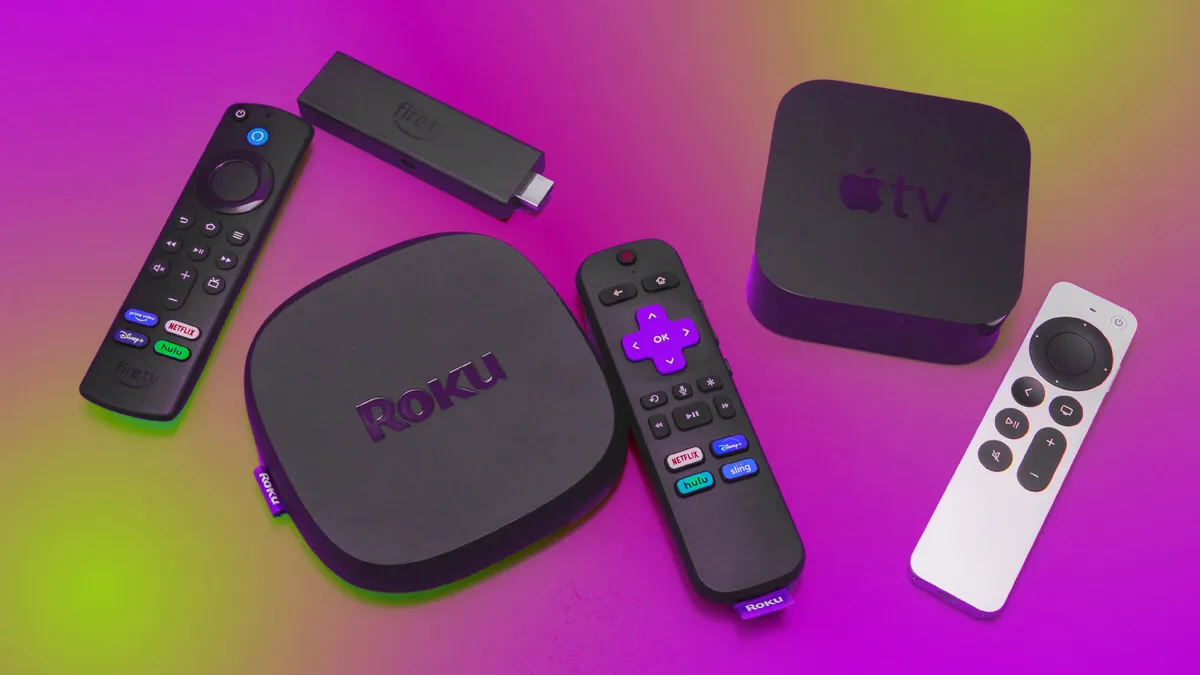
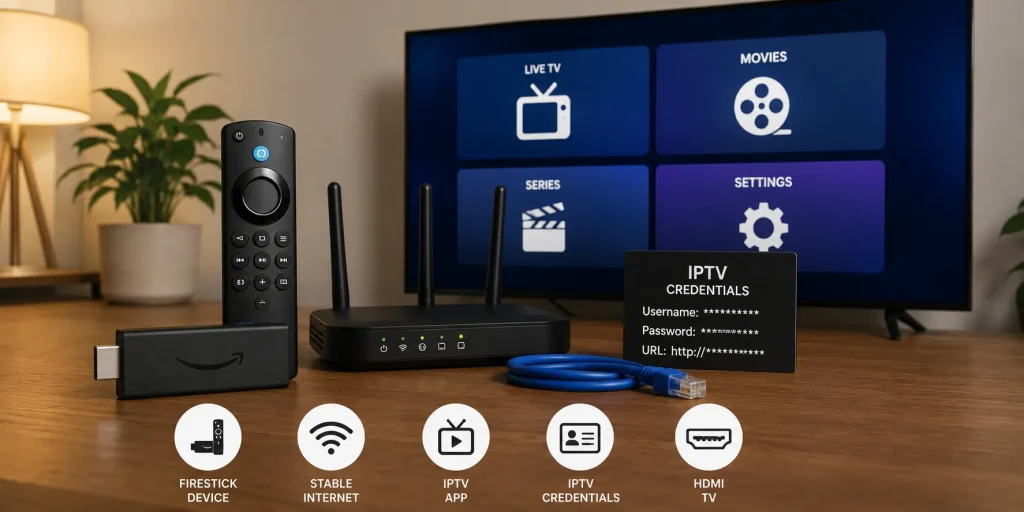
- Firestick
- Android TV boxes
- Smartphones
- PCs and laptops
Firestick + VPN is one of the most popular combos.
Streaming Security Tips You Should Know
✔ Use strong passwords
Avoid simple passwords like 123456.
✔ Avoid unknown streaming apps
Some apps may contain malware or unsafe scripts.
✔ Keep devices updated
Updates fix security vulnerabilities.
✔ Use official apps when possible
Netflix, YouTube, Disney+ are safer options.
✔ Dont share accounts publicly
Can lead to hacks or bans.
VPN vs No VPN for Streaming
| Feature | With VPN | Without VPN |
|---|---|---|
| Privacy | High | Low |
| Geo-block bypass | Yes | No |
| ISP tracking | Hidden | Visible |
| Speed | Sometimes slower | Normal |
| Security | High | Medium |
Common VPN Problems & Fixes
Slow streaming with VPN
✔ Try another server
✔ Choose closer country
✔ Use faster VPN protocol
Streaming not loading
✔ Switch VPN location
✔ Restart app
✔ Clear cache
VPN not connecting
✔ Restart device
✔ Reinstall VPN app
✔ Check internet connection
Is Using a VPN Legal?
In most countries, yes VPNs are completely legal.
However:
- Using VPN for illegal streaming is still illegal
- Always follow local laws
VPN is a privacy tool, not a piracy tool.
Best Practices for Safe Streaming
- Use trusted VPN providers
- Avoid free shady VPN apps
- Keep streaming apps updated
- Use secure Wi-Fi networks
- Dont click unknown streaming links
Conclusion
VPNs are one of the most powerful tools for modern streaming. They help you unlock content, protect your privacy, and stay safe online.
When combined with good streaming habits, they make your experience smoother, more secure, and way more flexible.
If youre serious about streaming, using a VPN isn’t just optional anymore its part of the setup.
FAQs
1. Do I need a VPN for streaming?
Not always, but it helps with privacy and accessing restricted content.
2. Does VPN slow down streaming?
Sometimes slightly, depending on server distance.
3. Is VPN legal?
Yes in most countries, but illegal use of content is not allowed.
4. Can I use VPN on Smart TV?
Yes, either directly or through router/firestick setup.
5. What is the best VPN for streaming?
Look for fast, stable, streaming optimized VPN services.