 techtvnew_tv
Thinking about getting IPTV but have no idea where to start? You’re definitely not alone.
Whether youve heard friends talking about IPTV, found it while searching for cheaper live TV options, or youre simply curious about streaming thousands of channels over the internet, this guide has you covered.
This isnt another short article that barely scratches the surface. Instead, it’s a complete IPTV resource created for beginners and experienced users alike. Well explain everything in simple English no confusing technical jargon, no unnecessary fluff.
By the time you finish this guide, youll know exactly how IPTV works, how to choose a trustworthy IPTV provider, which apps you should install, how to fix common playback issues, and how to get the best streaming quality possible.
Bookmark this page because we’ll keep updating it whenever IPTV technology evolves.
Table of Contents
What Is IPTV?
IPTV stands for Internet Protocol Television. Instead of receiving television channels through satellite dishes, cable TV, or traditional antennas, IPTV delivers video content directly over your internet connection.
In simple words, IPTV lets you watch live TV, sports, movies, TV shows, documentaries, kids’ channels, and even video on demand content using nothing more than an internet connection and a compatible device.
Think of it like Netflix but instead of offering only movies and TV shows, IPTV can also stream thousands of live television channels from all around the world.
Thats one of the biggest reasons IPTV has exploded in popularity over the last few years. It offers flexibility, affordability, and convenience that traditional television services simply cant match.
Whether youre watching on your Smart TV in the living room, your Android phone during your commute, or your laptop while traveling, IPTV makes your favorite content available almost anywhere with internet access.
How Does IPTV Work?
Behind the scenes, IPTV is actually much smarter than traditional TV broadcasting.
Instead of sending every television channel to everyone at the same time, IPTV servers only deliver the specific channel or video that you request.
Here’s a simplified version of what happens:
- Your IPTV provider receives television broadcasts or video content.
- The content is converted into digital streams.
- Those streams are stored or transmitted through powerful streaming servers.
- Content is distributed using global CDN networks for faster delivery.
- Your IPTV app connects to the server.
- The stream starts playing almost instantly on your device.
Because youre only downloading the content youre actually watching, IPTV can deliver higher quality video while using bandwidth much more efficiently than traditional broadcasting.
Why Is Everyone Switching to IPTV?
Let’s be honest.
Traditional cable TV hasnt changed much in years, while streaming technology keeps getting better every month.
People want more flexibility. They dont want to pay huge monthly bills for hundreds of channels theyll never watch.
IPTV solves that problem by giving users access to an enormous library of live channels and on-demand content for a fraction of the cost.
Some of the biggest reasons people prefer IPTV include:
- Watch live sports from around the world.
- Access thousands of international TV channels.
- Enjoy movies and TV series on demand.
- Use one subscription across multiple devices.
- No satellite dish installation.
- No expensive cable contracts.
- Watch while traveling.
- Simple setup process.
The Main Types of IPTV Services
Live TV
This is what most people think about when they hear IPTV. You simply choose a television channel and watch it in real time, just like traditional cable TV but over the internet.
Video On Demand (VOD)
Missed your favorite movie? No problem. VOD libraries let you stream movies and TV shows whenever you want without waiting for scheduled broadcasts.
Catch-Up TV
Some IPTV services allow you to replay programs that aired hours or even days ago. Its perfect if you missed a live event or forgot to record something.
Time-Shift TV
Pause a live program, grab a snack and continue watching later without missing the action.
Why IPTV Is Worth It
- Supports HD, Full HD, 4K, and even 8K streaming.
- Works on Smart TVs, Android devices, iPhones, PCs, Macs, and streaming boxes.
- Huge channel selection from multiple countries.
- Affordable monthly subscriptions.
- Easy to install.
- Massive movie and series libraries.
- Excellent for sports fans.
- Watch from almost anywhere.
- Minimal hardware required.
Things You Should Know Before Using IPTV
Like every technology, IPTV isn’t perfect.
- A stable internet connection is essential.
- Low-quality providers may suffer from buffering.
- Some services have overloaded servers.
- Poor IPTV apps can affect your viewing experience.
- Choosing the wrong provider often leads to frustration.
The good news? Almost every common IPTV issue has a solution—and we’ll cover every single one later in this guide.
Related Guides (Internal Links)
How to Choose the Best IPTV Service (Without Wasting Your Money)
Lets be honest finding a good IPTV provider isnt as easy as it sounds.
A quick Google search will show hundreds of websites claiming they offer the best IPTV service in the world. The reality? Many of them are simply resellers using overloaded servers with poor customer support.
Thats why choosing the right IPTV provider is probably the most important decision youll make. A high quality service can give you smooth 4K streaming, while a bad one can leave you staring at endless buffering circles during your favorite football match.
So before you spend your money heres exactly what you should look for.
What Makes a Good IPTV Provider?
Quick Checklist ✅
- High server uptime (99% or better)
- Fast channel loading
- Minimal buffering
- Reliable customer support
- Regular content updates
- Large VOD library
- Support for Xtream Codes and M3U
- Electronic Program Guide (EPG)
- Multiple device compatibility
- Free trial or demo access
A trustworthy IPTV provider should feel reliable from day one. If the website looks abandoned, support never replies, or theres no clear information about the service, thats usually a warning sign.
Different Types of IPTV Subscriptions
Not every IPTV subscription works the same way.
Most providers offer different plans depending on how many devices you want to use and how long you want your subscription to last.
| Plan | Best For | Pros |
|---|---|---|
| 1 Month | New Users | Low risk, easy to test |
| 3 Months | Casual Viewers | Better value |
| 6 Months | Regular Users | Lower monthly cost |
| 12 Months | Heavy Streamers | Best overall value |
If youre trying a provider for the first time its usually smarter to start with a monthly subscription before committing to a yearly plan.
Always Test Before You Buy
One of the biggest mistakes beginners make is purchasing a one-year IPTV subscription without testing the service first.
A reliable IPTV provider should be confident enough to offer either a free trial or a low-cost test account.
During your trial, pay attention to:
- Channel loading speed
- Picture quality
- Audio synchronization
- Sports streaming performance
- Movie playback
- Server stability during peak hours
- Customer support response time
Features You Should Expect From a Premium IPTV Service
Premium IPTV isnt just about having thousands of channels.
The best providers focus on the overall experience.
- HD, Full HD and 4K channels
- Movies and TV series updated frequently
- Live sports from around the world
- EPG (Electronic Program Guide)
- Catch Up TV
- Multi screen support
- Fast servers
- Anti freeze technology
- Multiple backup servers
- 24/7 customer support
Understanding IPTV Login Methods
Almost every IPTV provider delivers your subscription using one of three login methods.
1. M3U Playlist
An M3U playlist is simply a URL containing all your channels and video libraries. Most IPTV apps support this format, making it one of the easiest ways to start streaming.
2. Xtream Codes API
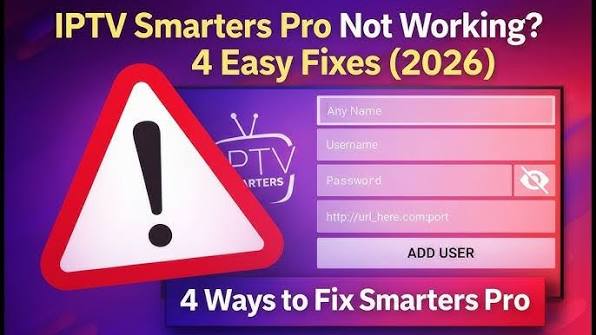
Xtream Codes is currently the most popular login option. Instead of copying long playlist URLs, you simply enter:
- Server URL
- Username
- Password
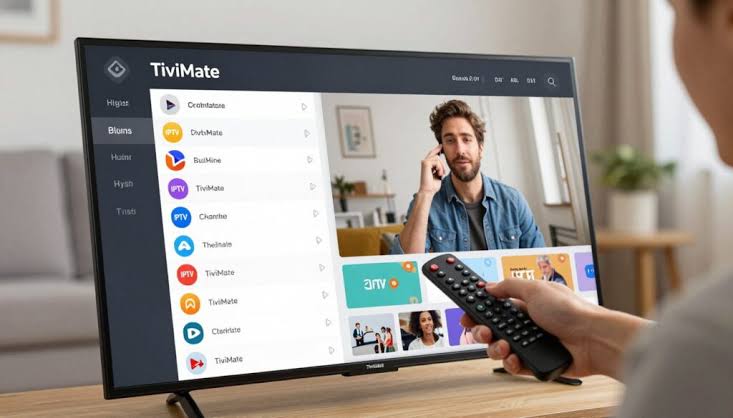
Most modern IPTV apps including IPTV Smarters, TiviMate, and many Smart TV players support Xtream Codes because it’s easier to manage and usually loads content faster.
3. Portal MAC
Some IPTV services especially those designed for MAG boxes use Portal URLs together with your devices MAC address. This method is less common for beginners but still widely used.
What Devices Can Run IPTV?
One of IPTV’s biggest strengths is flexibility.
You dont need expensive hardware. If your device can connect to the internet, chances are it can stream IPTV.
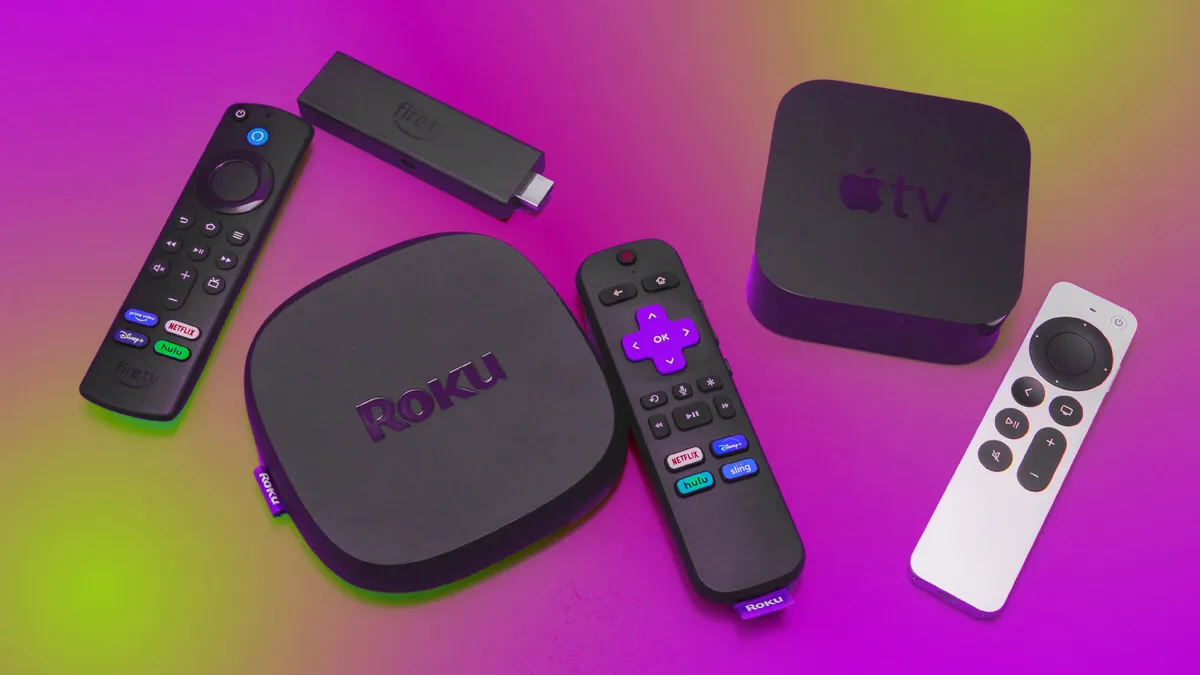
- Android TV
- Google TV
- Amazon Fire TV Stick
- Fire TV Cube
- NVIDIA Shield TV
- Apple TV
- Samsung Smart TV
- LG Smart TV
- Android phones
- iPhone
- iPad
- Windows PCs
- Mac computers
- Linux systems
- Chromecast
- MAG Boxes
- Formuler Boxes
Questions You Should Ask Before Buying IPTV
Before placing your order, don’t be afraid to ask the provider a few important questions. A professional service should have no problem answering them.
- Do you offer a free trial?
- How many devices can stream simultaneously?
- Do you support Xtream Codes?
- Do you provide an M3U playlist?
- Is EPG included?
- How often is VOD updated?
- Do you have 24/7 customer support?
- Is there a refund policy?
- What internet speed do you recommend?
Common Mistakes First Time IPTV Buyers Make
Avoid These Rookie Mistakes 🚫
- Buying the cheapest service you can find.
- Ignoring customer reviews.
- Skipping the trial period.
- Using unreliable IPTV apps.
- Expecting perfect performance on slow internet.
- Sharing accounts with too many people.
- Not updating IPTV apps regularly.
Remember, a slightly more expensive IPTV subscription often delivers a much better experience in the long run. Saving a few dollars today could mean dealing with constant buffering tomorrow.
How to Set Up IPTV on Any Device (Step-by-Step Guide)
One of the best things about IPTV is that it works on almost every modern device. Whether you’re using a Smart TV, Firestick, Android phone, Windows PC, or an iPhone, the setup process is surprisingly simple.
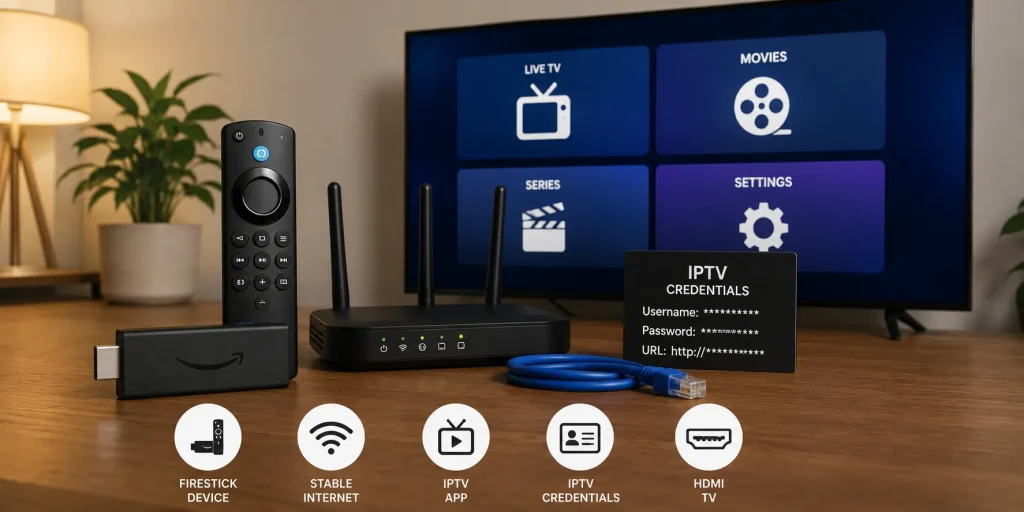
The exact steps depend on your device and the IPTV app you’re using, but the overall process is almost always the same:
- Choose a reliable IPTV provider.
- Receive your login credentials.
- Install a compatible IPTV player.
- Enter your IPTV details.
- Refresh the playlist.
- Start streaming.
Let’s go through each platform one by one.
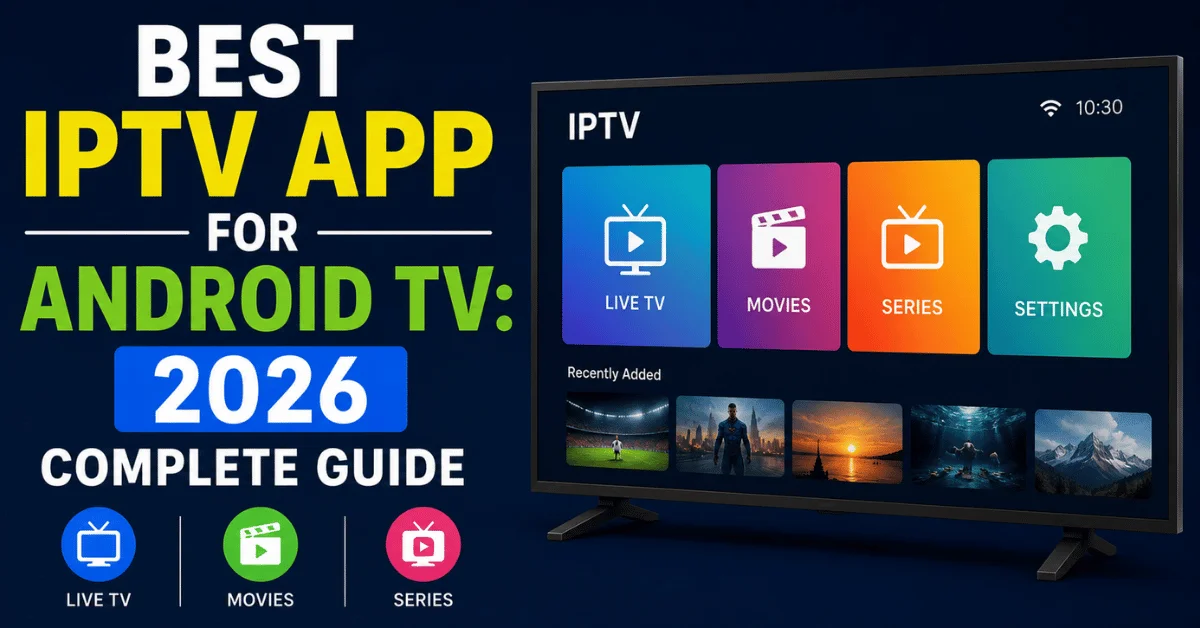
How to Install IPTV on Android TV
Android TV is one of the easiest platforms for IPTV. Most IPTV apps are available directly from the Google Play Store, making installation quick and beginner-friendly.
Step 1
Open the Google Play Store on your Android TV.
Step 2
Search for your preferred IPTV player.
Popular options include:
- TiviMate
- IPTV Smarters Pro
- OTT Navigator
- XCIPTV
Step 3
Install the application and launch it.
Step 4
Select your preferred login method:
- Xtream Codes API
- M3U Playlist
- Portal URL
Step 5
Enter your IPTV credentials exactly as provided by your IPTV service.
Step 6
Wait a few seconds while the app downloads your channels, VOD library, and TV guide.
How to Install IPTV on Amazon Firestick
Amazon Fire TV Stick is one of the most popular IPTV devices because it’s affordable, portable, and incredibly easy to use.
Step 1
Enable installation from unknown sources if your chosen IPTV app isn’t available in the Amazon App Store.
Step 2
Install the Downloader app.
Step 3
Download your IPTV player.
Step 4
Launch the app.
Step 5
Enter your Xtream Codes or M3U Playlist.
Step 6
Refresh the playlist and start streaming.
Pro Tip 💡
Using Ethernet instead of Wi-Fi often provides smoother playback, especially for 4K sports channels.
How to Install IPTV on Samsung & LG Smart TVs
Modern Smart TVs support IPTV without requiring any additional hardware.
Samsung Smart TVs
- Open the Samsung App Store.
- Install an IPTV player.
- Add your IPTV subscription.
- Load your playlist.
LG webOS TVs
- Open the LG Content Store.
- Download an IPTV player.
- Enter your login information.
- Sync your channels.
Some IPTV applications may not be available in every country. In that case, your provider may recommend an alternative player.
How to Watch IPTV on Windows PCs
If you spend most of your day on a computer, watching IPTV on Windows is incredibly convenient.
Popular IPTV players include:
- VLC Media Player
- IPTV Smarters
- MyIPTV Player
- Kodi
Simply install your preferred software, import your playlist, and you’re ready to go.
How to Watch IPTV on macOS
Mac users have plenty of IPTV options as well.
Applications like VLC and IPTV Smarters work well on macOS and support both M3U playlists and Xtream Codes.
Setup usually takes less than five minutes.
How to Set Up IPTV on iPhone & iPad
Watching IPTV on iOS devices is incredibly simple.
- Open the App Store.
- Install an IPTV player.
- Launch the app.
- Add your IPTV credentials.
- Refresh your playlist.
- Start watching.
A strong Wi-Fi connection is recommended for HD and 4K streaming.
How to Install IPTV on Apple TV
Apple TV offers one of the smoothest IPTV experiences thanks to its powerful hardware.
After installing an IPTV application from the App Store, simply log in using your provider’s details and your entire channel list will be available within seconds.
Setting Up IPTV on MAG Boxes
MAG devices are designed specifically for IPTV, making them extremely reliable.
Instead of using M3U playlists, most MAG boxes connect through a Portal URL linked to the device’s MAC address.
Your IPTV provider will usually activate your device remotely after receiving the MAC address.
What to Do Right After Installing IPTV
Before jumping into your favorite channels, spend a few minutes optimizing your setup.
- Update the IPTV app.
- Refresh the playlist.
- Download the latest EPG.
- Choose your preferred video player.
- Adjust video buffering settings.
- Enable hardware decoding if available.
- Organize your favorite channels.
- Create personalized channel groups.
The Complete IPTV Streaming Guide: How to Get the Best Quality Without Buffering
Once your IPTV service is installed, the next step is making sure it performs at its best.
There’s nothing more frustrating than watching your favorite football match or movie only to be interrupted by buffering, freezing, or poor picture quality.
The good news? Most IPTV streaming issues aren’t caused by the IPTV provider alone. In many cases, your internet connection, streaming device, router settings, or IPTV player can have a huge impact on your viewing experience.
This section will show you exactly how IPTV streaming works and how to optimize every part of your setup.
How Much Internet Speed Do You Need for IPTV?
One of the most common questions we receive is:
“How fast should my internet be for IPTV?”
The answer depends on the quality you want to stream.
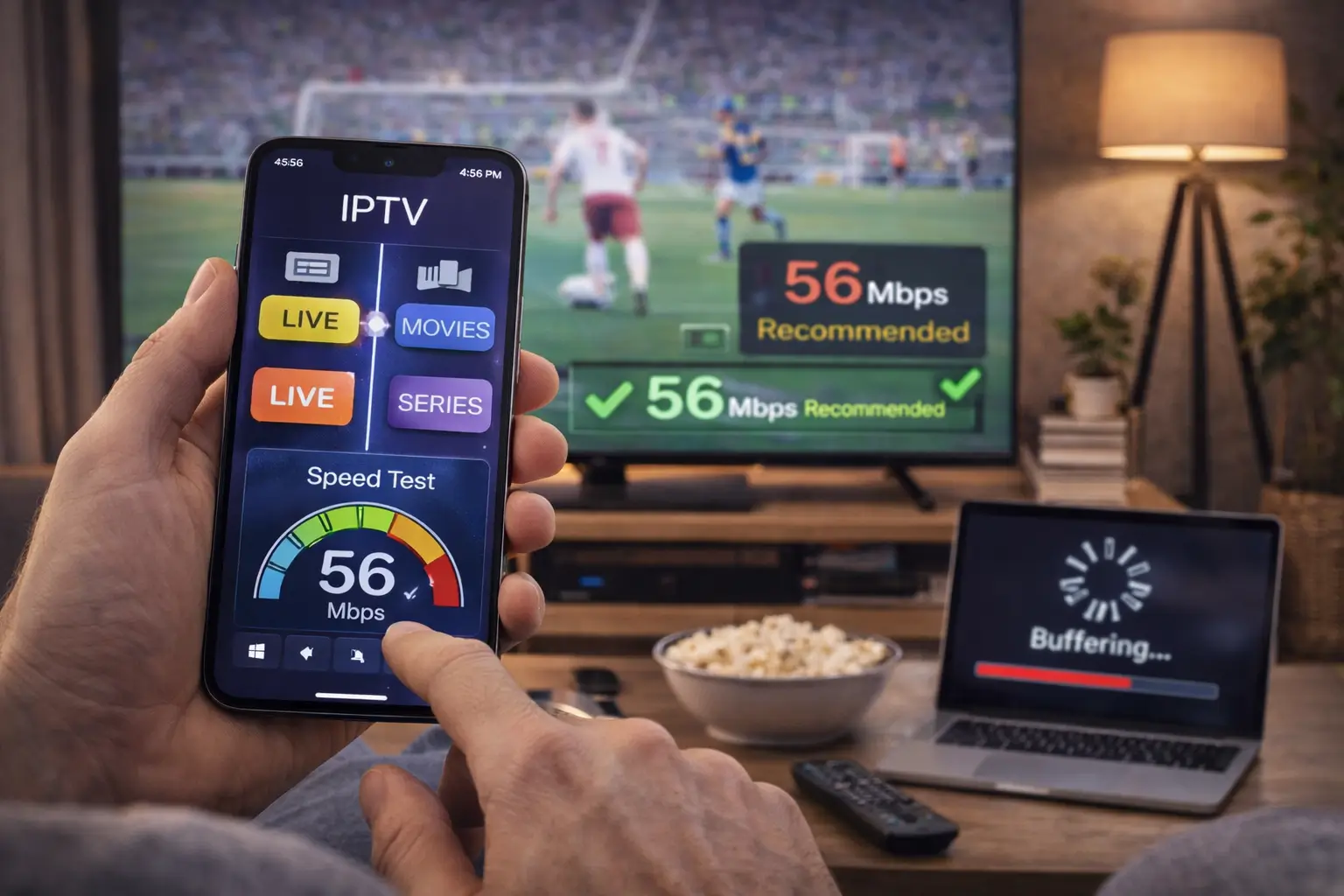
| Streaming Quality | Recommended Speed |
|---|---|
| SD (480p) | 5 Mbps |
| HD (720p) | 10 Mbps |
| Full HD (1080p) | 20 Mbps |
| 4K UHD | 35 Mbps or higher |
| 8K | 80+ Mbps |
Keep in mind that these numbers assume you’re the only person using the connection. If multiple family members are streaming, gaming, or downloading files at the same time, you’ll need additional bandwidth.
Wi-Fi vs Ethernet: Which One Is Better?
While modern Wi-Fi has improved significantly, a wired Ethernet connection is still the gold standard for IPTV streaming.
| Feature | Ethernet | Wi-Fi |
|---|---|---|
| Speed | ★★★★★ | ★★★★☆ |
| Stability | ★★★★★ | ★★★☆☆ |
| Latency | Very Low | Medium |
| Buffering Risk | Very Low | Higher |
If your TV or streaming device supports Ethernet, its almost always worth using a wired connection especially for 4K live sports.
Best IPTV Player Settings
Many users install an IPTV app and never touch the settings. That’s a mistake.
A few small adjustments can dramatically improve playback quality.
Recommended Settings
- Enable Hardware Decoding
- Increase Buffer Size
- Use Adaptive Streaming
- Enable Auto Frame Rate
- Use External Player when available
- Refresh Playlist Daily
- Refresh EPG Automatically
- Clear Cache Weekly
Why Hardware Decoding Matters
Hardware decoding allows your streaming device’s processor or graphics chip to handle video playback instead of relying entirely on software.
This usually results in:
- Smoother playback
- Less buffering
- Lower CPU usage
- Better battery life on mobile devices
- Improved 4K performance
Choosing the Right Video Quality
Many IPTV providers offer the same channel in multiple resolutions.
While it may be tempting to always choose the highest quality available, that’s not necessarily the best option.
| Connection Speed | Recommended Quality |
|---|---|
| Less than 10 Mbps | 720p |
| 10–25 Mbps | 1080p |
| 25–50 Mbps | Full HD / High Bitrate |
| 50+ Mbps | 4K UHD |
Should You Use a VPN for IPTV?
A VPN can improve privacy by encrypting your internet traffic and masking your IP address. Depending on your location and internet provider, it may also help if your ISP throttles streaming traffic.
However, a VPN isn’t always necessary. It can also introduce extra latency if you connect to a distant server.
If you decide to use one:
- Choose a fast VPN server close to your location.
- Use modern protocols like WireGuard when available.
- Avoid free VPNs with limited bandwidth.
- Test your speed with and without the VPN.
Does Changing DNS Improve IPTV?
Changing your DNS won’t magically make slow internet fast, but it can reduce the time it takes to resolve domain names and may improve reliability in some cases.
Popular public DNS services include:
- Google Public DNS
- Cloudflare DNS
- Quad9 DNS
If you’re experiencing occasional connection issues, testing a different DNS provider is a simple troubleshooting step.
What Is an EPG?
EPG stands for Electronic Program Guide.
Think of it as the digital TV schedule that shows whats currently playing and what’s coming up next.
A good EPG makes browsing channels much easier and improves the overall IPTV experience.
Why You Should Refresh Your Playlist Regularly
IPTV providers constantly update channels, movies, TV series, and server information.
Refreshing your playlist ensures you always have access to the latest content and helps prevent broken channel entries.
Most IPTV apps allow you to refresh both the playlist and EPG automatically.
10 Pro Tips for Buffer-Free IPTV Streaming
- Use Ethernet whenever possible.
- Restart your router once a week.
- Keep your IPTV player updated.
- Close background apps while streaming.
- Use hardware decoding.
- Avoid overcrowded Wi-Fi channels.
- Refresh your playlist regularly.
- Update your streaming device.
- Choose a reputable IPTV provider.
- Restart your IPTV app if playback becomes unstable.
Common IPTV Streaming Myths
Myth #1: Faster Internet Always Fixes Buffering
Not necessarily. Buffering can also be caused by overloaded IPTV servers, poor Wi-Fi coverage, outdated apps, or underpowered streaming devices.
Myth #2: Every IPTV App Performs the Same
Different IPTV players have different optimization levels, user interfaces, and playback engines. Choosing the right app can noticeably improve your experience.
Myth #3: 4K Is Always Better
Only if your internet connection and hardware can handle it. For some users, a stable 1080p stream provides a much better viewing experience than an unstable 4K stream.
The Complete IPTV Troubleshooting Guide (Fix 90% of Common Problems)
No matter how good your IPTV service is, at some point you might run into issues. Buffering, channels not loading, login errors, or even black screens—yeah, it happens.
The good news? Most IPTV problems are actually easy to fix once you know whats causing them. In this section, well break down the most common IPTV issues and show you exactly how to solve them step by step.
IPTV Buffering (The Most Common Problem)
Let’s start with the big one: buffering.
If your stream keeps freezing or loading, don’t immediately blame the IPTV provider. Buffering can be caused by several factors.
Main Causes of Buffering
- Slow or unstable internet connection
- Wi-Fi interference or weak signal
- Overloaded IPTV servers
- Old or poorly optimized IPTV app
- ISP throttling streaming traffic
How to Fix IPTV Buffering
- Switch from Wi-Fi to Ethernet if possible
- Restart your router
- Lower stream quality from 4K → 1080p
- Clear IPTV app cache
- Try a different IPTV player (TiviMate or IPTV Smarters)
- Use a closer server (if your provider offers options)
Pro Tip 💡
If buffering only happens during sports events or peak hours, the issue is most likely server overload—not your internet.
Channels Not Loading or Black Screen
If your IPTV app opens but channels won’t load or show a black screen, don’t panic. This is a very common issue.
Possible Causes
- Expired subscription
- Incorrect M3U or Xtream credentials
- Server downtime
- Outdated IPTV app
Fix It Fast
- Double-check your username, password, and server URL
- Restart the IPTV app
- Refresh playlist and EPG
- Reinstall the app if needed
- Contact your IPTV provider to confirm server status
Login Failed / Authentication Errors
Seeing a “Login Failed” message? This usually means the app cant authenticate your IPTV credentials.
Common Reasons
- Wrong username or password
- Expired subscription
- Incorrect server URL
- Device limit exceeded
Solutions
- Re-enter your Xtream Codes carefully
- Check for typos (this is more common than you think)
- Make sure your subscription is still active
- Log out from other devices if limit is reached
M3U Playlist Not Working
M3U playlists are simple but sensitive. One wrong character in the URL and nothing loads.
Fix Checklist
- Ensure full URL is copied correctly
- Check if link has expired
- Try opening the link in a browser
- Switch to Xtream Codes login if available
EPG Not Showing (TV Guide Missing)
If your channels work but the TV guide is empty or broken, this is usually an EPG sync issue.
Fix It
- Refresh EPG manually in your IPTV app
- Clear app cache
- Re-add EPG URL from provider
- Wait a few minutes for data sync
Audio Out of Sync (Lip Sync Issues)
When audio and video don’t match, it can ruin the entire experience.
Why It Happens
- Poor stream encoding
- Device processing delay
- Low-performance IPTV app
Fixes
- Switch video player (use external player if available)
- Restart stream
- Adjust audio delay settings in IPTV app
- Lower stream quality slightly
IPTV App Keeps Crashing
If your IPTV app keeps closing or freezing its usually a device or memory issue not the IPTV service itself.
Fixes
- Clear app cache and data
- Reinstall IPTV app
- Update device firmware
- Free up storage space
- Close background apps
Slow Channel Loading
If channels take too long to load but don’t buffer during playback, the issue is usually server response time or app optimization.
Solutions
- Switch IPTV player
- Use Xtream Codes instead of M3U
- Change DNS (Cloudflare or Google DNS)
- Restart router
ISP Blocking IPTV (Advanced Issue)
In some regions, internet providers may restrict or throttle IPTV traffic.
If you notice IPTV working on mobile data but not on Wi-Fi, this could be the reason.
Possible Fixes
- Try a VPN
- Change DNS settings
- Restart router
- Switch network (mobile hotspot test)
Quick IPTV Fix Checklist (Save This)
- Restart router
- Switch Wi-Fi → Ethernet
- Lower stream quality
- Refresh playlist
- Clear cache
- Reinstall IPTV app
- Check subscription status
- Test different device
If none of these work, the issue is almost always on the provider’s side.
Related Troubleshooting Guides
Frequently Asked Questions About IPTV (2026 Guide)
This section answers the most common questions people ask about IPTV. These answers are written in a short, clear, and Google friendly format perfect for featured snippets and People Also Ask results.
What is IPTV in simple words?
IPTV is a way of watching TV using the internet instead of satellite or cable. You stream live channels, movies, and shows directly through an app.
Is IPTV legal?
IPTV technology itself is legal. However, legality depends on the provider and whether they have rights to distribute the content in your country.
Do I need a fast internet connection for IPTV?
Yes. For smooth streaming, you need at least 10 Mbps for HD and 25–50 Mbps for 4K content.
Why does IPTV keep buffering?
Buffering usually happens due to slow internet, weak Wi-Fi, overloaded servers, or ISP throttling.
What is the best IPTV app?
Popular IPTV apps include TiviMate, IPTV Smarters Pro, OTT Navigator, and XCIPTV. The best one depends on your device and preferences.
What is an M3U playlist?
An M3U playlist is a URL file that contains your IPTV channels and video content. You paste it into an IPTV app to start streaming.
What is Xtream Codes IPTV?
Xtream Codes is a login system where you enter a server URL, username, and password instead of using a playlist link.
Is IPTV better than cable TV?
For most users, yes. IPTV offers more channels, lower cost, better flexibility, and access to global content.
Can I use IPTV on multiple devices?
Yes, but it depends on your subscription. Some IPTV services allow 1 device, while others support multiple connections.
Why is IPTV not working on my TV?
It could be due to incorrect login details, expired subscription, internet issues, or server downtime.
Do I need a VPN for IPTV?
Not always. A VPN can help with privacy and ISP throttling, but it may also slightly reduce speed depending on the server.
What devices support IPTV?
IPTV works on Smart TVs, Android TV, Firestick, iPhone, Android phones, Windows PCs, Mac, Apple TV, and MAG boxes.
Why is my IPTV app crashing?
This usually happens due to low device memory, outdated app versions, or corrupted cache data.
What internet speed is best for IPTV?
At least 10 Mbps for HD, 25 Mbps for Full HD, and 50+ Mbps for stable 4K streaming.
Can IPTV replace Netflix?
IPTV and Netflix are different. IPTV focuses on live TV and global channels, while Netflix is mainly on-demand movies and series.
Why is my IPTV login failing?
Usually due to wrong credentials, expired subscription, or incorrect server URL.
What is EPG in IPTV?
EPG stands for Electronic Program Guide. It shows the TV schedule for live channels inside your IPTV app.
Can IPTV work on Firestick?
Yes. Firestick is one of the most popular devices for IPTV because it is affordable and easy to set up.
Why is IPTV slow at night?
This usually happens due to peak-time server congestion or ISP bandwidth throttling.
Can I record IPTV streams?
Some IPTV apps support recording, but it depends on both the app and your provider’s restrictions.
What is the difference between IPTV and OTT?
IPTV delivers live TV channels through managed servers, while OTT platforms like YouTube and Netflix stream content over the open internet.
Why does IPTV freeze during sports?
Sports streams are high traffic events, so buffering can happen due to server overload or insufficient bandwidth.
Can I use IPTV on Apple TV?
Yes, Apple TV supports IPTV apps from the App Store that allow M3U and Xtream Codes login.
How do I fix IPTV buffering permanently?
You can’t always eliminate buffering completely, but using Ethernet, a stable provider, good IPTV app, and proper settings reduces it significantly.
Is IPTV safe to use?
IPTV is safe as a technology. However, safety depends on the provider you choose and whether you use secure apps and connections.
Can I use IPTV without an app?
No. You always need an IPTV player app or device to decode and display the stream.
Why is my IPTV audio out of sync?
This happens due to stream encoding issues or device processing delays. Switching players or adjusting audio delay often fixes it.
What is the best device for IPTV?
Android TV boxes, Firestick, and NVIDIA Shield are considered the best devices for IPTV streaming due to performance and app support.
Can IPTV replace satellite TV?
Yes, for many users IPTV has already replaced satellite TV due to lower cost and more flexibility.
Why is my IPTV EPG missing?
EPG issues usually come from server sync problems or incorrect EPG URL settings.
Do IPTV services include movies and series?
Yes, most IPTV services include a VOD (Video On Demand) library with movies and TV shows.
How do I improve IPTV streaming quality?
Use wired internet, reduce stream quality if needed, update your IPTV app, and choose a reliable provider.
Is IPTV the future of TV?
Yes, IPTV and streaming technologies are rapidly replacing traditional cable and satellite TV worldwide.
Final Thoughts: IPTV Is the Future of TV
If youve made it this far, you already understand more about IPTV than most users out there.
The truth is simple: IPTV is no longer new technology. Its the direction TV is moving toward globally. More flexibility, more content, lower cost, and complete freedom over what you watch and when you watch it.
But here’s the real difference between a great IPTV experience and a frustrating one: your setup and your choices.
A good provider + the right app + proper settings = smooth, buffer-free streaming. A bad provider + poor setup = constant issues and frustration.
Key Takeaways
- IPTV works over the internet instead of cable or satellite
- Streaming quality depends heavily on your internet and setup
- Xtream Codes is usually easier and faster than M3U
- Ethernet is more stable than Wi-Fi for IPTV
- Most IPTV problems are fixable with basic troubleshooting
- Choosing the right provider is the most important step
Ready to Get Started with IPTV?
If youre ready to explore IPTV, make sure you start the right way. Dont just pick the cheapest option pick the one that actually delivers a stable experience.
🚀 Start Smart
Check out our curated IPTV guides, setup tutorials, and app comparisons to build the perfect streaming setup for your device.
Recommended Ad Placement (For Monetization)
📌 Place banner ads here for:
- VPN services
- Streaming devices (Firestick, Android TV Box)
- IPTV apps
- Internet speed tools
Quick Summary
IPTV gives you access to a massive world of live TV, movies, and on demand content all through the internet. With the right setup, it can completely replace traditional TV services.
If you follow this guide step by step youll avoid 90% of common IPTV problems and get a smooth streaming experience from day one.