 techtvnew_tv
Why Internet Speed Matters for IPTV
Internet Protocol Television (IPTV) relies entirely on your internet connection to deliver live TV, movies, sports, and video-on-demand content. Unlike traditional cable or satellite services, IPTV streams data in real time, making a stable and fast internet connection essential for uninterrupted viewing.
Many users assume buffering is always caused by their IPTV provider. In reality, slow internet speeds, network congestion, poor Wi-Fi coverage, or outdated networking equipment are often responsible for playback issues. Running an internet speed test is the first step in diagnosing these problems and ensuring a smooth streaming experience.
What Is an IPTV Internet Speed Test?
An IPTV internet speed test measures the quality of your internet connection and determines whether it can handle streaming media effectively.
A speed test typically evaluates several important metrics:
- Download speed
- Upload speed
- Ping (latency)
- Jitter
- Packet loss
Each of these values affects IPTV performance differently. Understanding them helps you identify the root cause of buffering, freezing, or poor video quality.
Understanding Download Speed
Download speed is the most important factor for IPTV streaming because it determines how quickly your device receives video data from the streaming server.
General recommendations include:
- SD Streaming: 5 Mbps or higher
- HD Streaming: 10–15 Mbps
- Full HD Streaming: 20 Mbps or higher
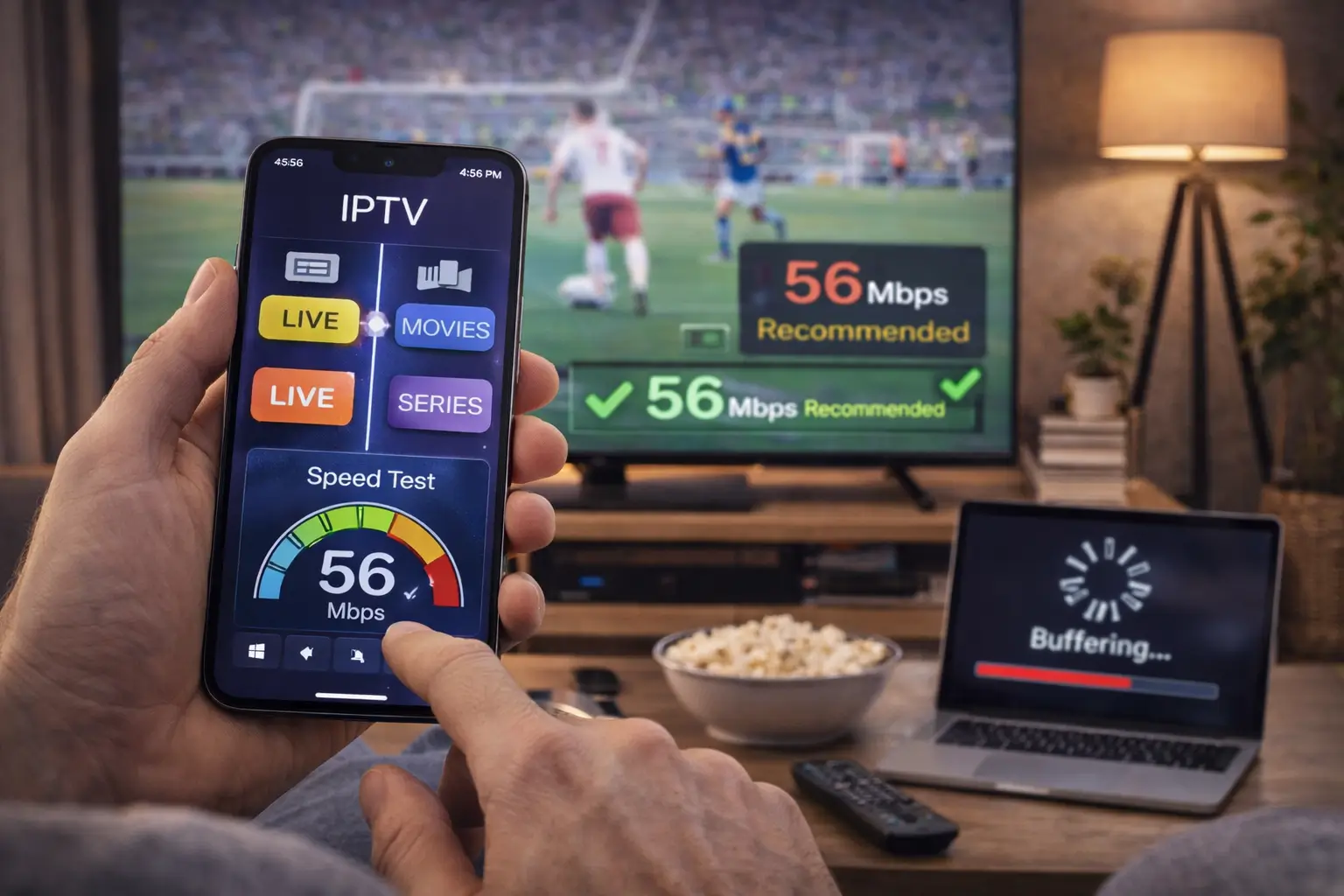
- 4K Streaming: 35–50 Mbps or higher
These figures are general guidelines. Actual requirements depend on the video bitrate used by the IPTV provider and the number of devices using your internet connection simultaneously.
Why Upload Speed Still Matters
Although IPTV primarily depends on download speed, upload speed also plays a role in maintaining stable communication between your device and streaming servers.
If your upload speed is extremely low, some IPTV applications may experience slower authentication, delayed channel switching, or issues with interactive features.
For most households, an upload speed of at least 5 Mbps is sufficient for IPTV.
What Is Ping?
Ping measures the time required for data to travel between your device and a remote server.
It is measured in milliseconds (ms).
Lower ping values generally result in more responsive connections.
Typical ranges include:
- Under 20 ms: Excellent
- 20–40 ms: Very Good
- 40–60 ms: Good
- Above 80 ms: May affect streaming quality
While IPTV is less sensitive to latency than online gaming, consistently high ping can contribute to delays and instability.
Understanding Jitter
Jitter measures the consistency of your internet connection.
Even if your download speed is high, unstable delivery of data packets can cause:
- Video freezing
- Audio synchronization problems
- Random buffering
- Stream interruptions
Ideally, jitter should remain below 20 ms for a smooth IPTV experience.
What Is Packet Loss?
Packet loss occurs when pieces of data fail to reach your streaming device.
Even small amounts of packet loss may cause:
- Black screens
- Pixelation
- Frozen images
- Audio dropouts
- Unexpected disconnections
A healthy internet connection should have little to no packet loss during normal operation.
How to Test Your IPTV Internet Speed
Testing your internet connection is simple and only takes a few minutes.
Follow these steps:
- Close unnecessary applications using your internet connection.
- Disconnect large downloads or cloud backups.
- Connect your streaming device directly to your router if possible.
- Run a speed test from a reliable service.
- Repeat the test several times throughout the day.
- Compare the results during peak and off-peak hours.
Running multiple tests provides a more accurate picture of your network performance.
Test Your Connection on the Same Device
Whenever possible, perform the speed test using the same device you use for IPTV.
For example:
- Fire TV Stick
- Android TV
- Smart TV
- Windows PC
- Android phone
- iPhone
Testing on another device may produce different results because of hardware limitations or wireless signal strength.
Wired vs Wireless Connections
Many IPTV problems are caused by unstable Wi-Fi rather than slow internet service.
Wired Ethernet
Advantages include:
- Stable connection
- Lower latency
- Reduced interference
- Better reliability
Wi-Fi
Advantages include:
- Easy installation
- Mobility
- No cables required
However, Wi-Fi performance can be affected by walls, neighboring networks, household appliances, and the distance from the router.
Whenever possible, Ethernet provides the best IPTV experience.
How Much Speed Do Multiple Users Need?
If several people share the same internet connection, available bandwidth is divided among all active devices.
For example:
- One person streaming HD IPTV
- Someone watching YouTube
- Another downloading files
- Multiple smartphones connected to Wi-Fi
These activities can reduce the bandwidth available for IPTV.
Larger households should consider faster internet plans to support multiple simultaneous users.
Common Reasons for Slow IPTV Performance
Several factors can negatively affect IPTV performance.
Weak Wi-Fi Signal
Poor wireless coverage remains one of the leading causes of buffering.
Moving the router closer to your streaming device or using a mesh Wi-Fi system can improve signal strength.
Network Congestion
Internet speeds often slow down during evenings when many users are online.
Testing your connection at different times helps identify congestion-related issues.
Old Router
Older routers may struggle to handle modern streaming requirements.
Upgrading to a newer dual band or Wi-Fi 6 router can improve performance.
Background Downloads
Automatic software updates, cloud backups, and large downloads consume valuable bandwidth.
Pause unnecessary downloads while streaming IPTV.
Too Many Connected Devices
Every connected device shares your available internet bandwidth.
Disconnect unused devices whenever possible.
How to Improve IPTV Speed
If your speed test reveals performance issues, several solutions may help.
Restart your modem and router regularly.
Update your router’s firmware.
Place your router in a central location.
Use the 5 GHz Wi-Fi band if supported.
Switch to an Ethernet connection whenever possible.
Reduce the number of devices using your network during streaming.
Upgrade your broadband plan if your current speed no longer meets your household’s needs.
Choosing the Right Internet Plan
Different viewing habits require different internet speeds.
Light users who only stream HD content on one device may be satisfied with moderate broadband speeds.
Families streaming on multiple TVs while using smartphones, gaming consoles, and computers should consider significantly faster plans to ensure consistent performance.
Speed Test Best Practices
For the most accurate results:
- Restart your router before testing.
- Run several tests throughout the day.
- Test both Wi-Fi and Ethernet connections.
- Record your results.
- Compare speeds over several days.
Avoid relying on a single test because internet performance naturally fluctuates.
IPTV Speed Troubleshooting Checklist
If you’re experiencing buffering, work through this checklist:
- Confirm your internet speed meets recommended levels.
- Restart your router and streaming device.
- Test with a wired connection.
- Reduce network traffic.
- Update your IPTV application.
- Check whether the issue occurs on multiple channels.
- Test during different times of day.
- Contact your internet service provider if speeds consistently fall below your subscribed plan.
Systematically checking each item can help identify the source of the problem.
Frequently Asked Questions
What internet speed is best for IPTV?
For reliable HD streaming, many users find that 15–20 Mbps per active stream provides a comfortable experience. Higher-quality streams and multiple simultaneous viewers require more bandwidth.
Can slow internet cause IPTV buffering?
Yes. Insufficient download speed, network congestion, or an unstable connection are common causes of buffering.
Is Wi-Fi good enough for IPTV?
Yes, if the Wi-Fi signal is strong and stable. However, Ethernet generally offers more consistent performance.
Should I test my internet regularly?
Yes. Regular speed testing helps identify network problems before they become noticeable during streaming.
Does internet speed affect picture quality?
Yes. If your connection cannot keep up with the streams bitrate, you may experience buffering, reduced quality, or playback interruptions.
Conclusion
Running an IPTV internet speed test is one of the easiest and most effective ways to diagnose streaming problems. By understanding key metrics such as download speed, upload speed, latency, jitter, and packet loss, you can quickly determine whether your network is capable of supporting smooth IPTV playback.
For the best viewing experience, use a reliable internet connection, keep your networking equipment updated, minimize unnecessary network traffic, and test your connection regularly. A well optimized network not only reduces buffering but also improves channel switching, video quality, and overall IPTV performance.
Looking for expert advice? Read our complete guide to IPTV streaming.