 techtvnew_tv
Why IPTV Problems Happen on Firestick
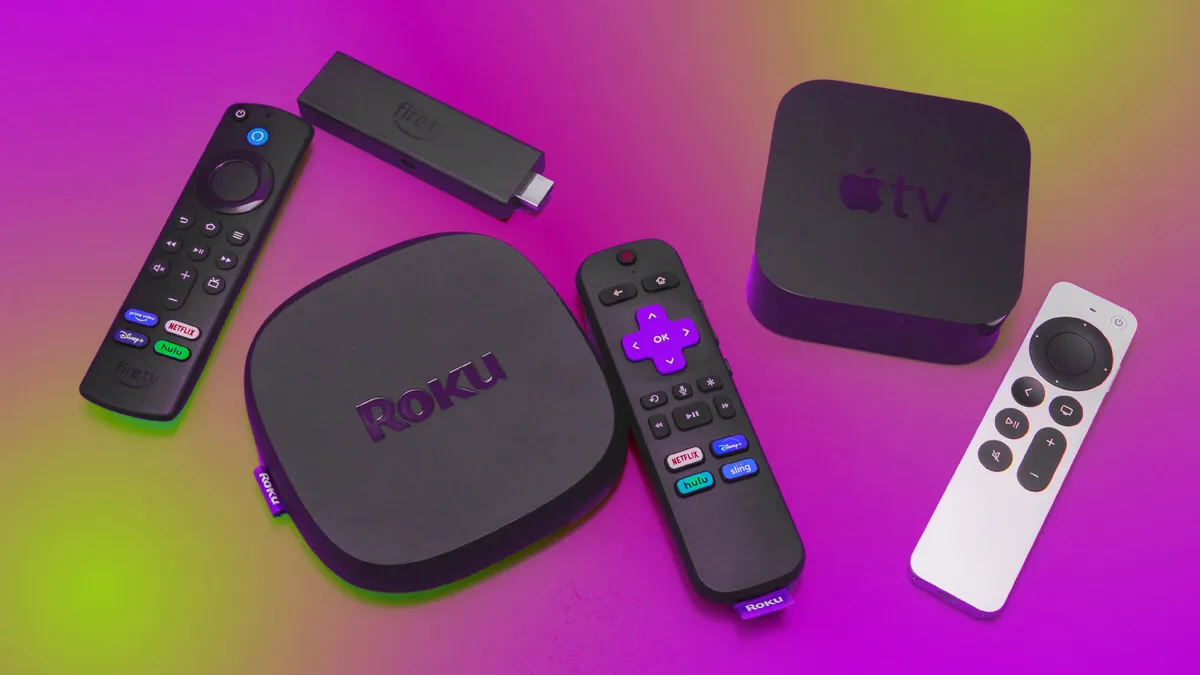
Firestick is one of the most popular devices for IPTV streaming, but it is also highly sensitive to network instability, storage limitations, and app performance issues.
When IPTV stops working on Firestick, the issue is rarely random. It usually comes from one of four areas: device performance, internet connection, IPTV app configuration, or server-side problems.
This guide focuses specifically on Firestick-related fixes rather than general IPTV troubleshooting.
Step 1: Restart Firestick the Right Way
A simple restart fixes many hidden issues that users often ignore.
Why it works:
Firestick runs background processes that can slow down IPTV apps over time.
How to do it:
- Go to Settings
- Select My Fire TV
- Click Restart
This clears temporary memory and refreshes system processes.
Step 2: Check Firestick Storage and Memory
Low storage is one of the most common causes of IPTV lag and crashes on Firestick.
Symptoms of low storage:
- App freezing
- Black screen
- Slow navigation
- Buffering even with good internet
Fix:
- Delete unused apps
- Clear downloaded files
- Remove cache-heavy applications
- Keep at least 500MB–1GB free space
Firestick performance drops significantly when storage is nearly full.
Step 3: Fix IPTV App Cache Issues
IPTV apps on Firestick store temporary data that can become corrupted.
Problems caused by cache:
- Channels not loading
- App crashing
- Slow interface response
Solution:
- Settings → Applications
- Select IPTV app
- Click Clear Cache
Do not clear data unless you want to reset login information.
Step 4: Improve Wi-Fi Connection on Firestick
Firestick heavily depends on stable Wi-Fi.
Common Wi-Fi issues:
- Weak signal strength
- Distance from router
- Interference from walls or devices
Best fixes:
- Move Firestick closer to router
- Use 5 GHz Wi-Fi band
- Avoid overcrowded networks
- Restart router regularly
If possible, use an Ethernet adapter for Firestick.
Step 5: Fix IPTV Buffering on Firestick
Buffering is usually not caused by the app itself.
Main causes:
- Slow internet
- ISP congestion
- Overloaded IPTV server
- Weak Wi-Fi signal
Solutions:
- Reduce video quality (4K → HD)
- Close background apps
- Restart router
- Switch to Ethernet connection
Firestick performs much better with stable wired internet.
Step 6: Fix IPTV App Crashing or Freezing
Crashes are usually caused by system overload or outdated software.
Fix steps:
- Update IPTV app
- Restart Firestick
- Reinstall IPTV application
- Free storage space
Older Firestick models (especially 1st gen) are more prone to crashes.
Step 7: Solve Login Problems on Firestick IPTV Apps
If IPTV won’t log in:
Check:
- Xtream Codes username/password
- Server URL correctness
- Expired subscription
Fix:
- Re-enter credentials carefully
- Switch between M3U and Xtream login
- Try another IPTV app
Even small typing errors can block login completely.
Step 8: Fix Black Screen on Firestick IPTV
A black screen usually means decoding or playback failure.
Causes:
- Unsupported stream format
- Hardware decoding issues
- Corrupted stream link
Fix:
- Change video decoder in app settings
- Switch to external player
- Restart stream or change channel
This is a device decoding issue, not always a server problem.
Step 9: Update Firestick Software
Outdated system software can break IPTV compatibility.
Steps:
- Settings → My Fire TV
- About → Check for Updates
Updates improve:
- Stability
- App compatibility
- Performance optimization
Always keep Firestick updated.
Step 10: Remove Background Apps
Firestick has limited RAM, so background apps reduce IPTV performance.
Close:
- Streaming apps not in use
- Download managers
- Unnecessary utilities
Restarting the device also clears hidden background processes.
Step 11: Optimize DNS Settings
DNS can affect streaming speed and stability.
Recommended DNS:
- Google DNS: 8.8.8.8
- Cloudflare DNS: 1.1.1.1
Changing DNS may improve routing and reduce buffering in some cases.
Step 12: Use External IPTV Player (If Needed)
If IPTV app performance is poor on Firestick, switching players can help.
Alternatives:
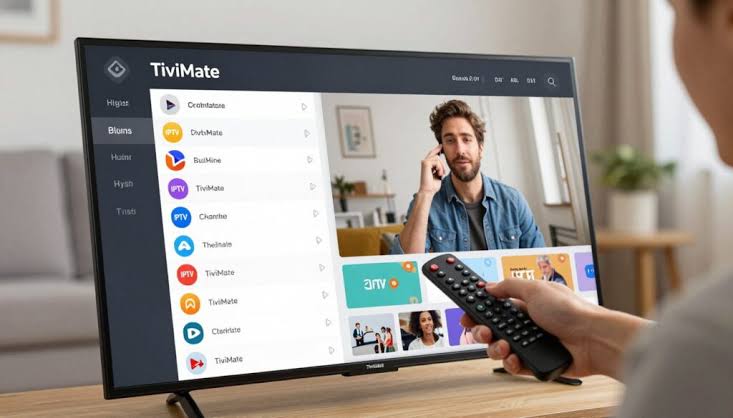
- TiviMate
- OTT Navigator
- VLC Player
Some apps are better optimized for Firestick hardware than others.
Step 13: Check IPTV Server Status
If nothing works, the issue may be server-side.
Signs:
- All channels down
- No login success
- Multiple users affected
Solution:
- Wait for provider fix
- Contact IPTV support
Firestick cannot fix server outages.
Common Firestick IPTV Mistakes
- Installing too many apps
- Ignoring storage limits
- Using weak Wi-Fi signal
- Not updating system software
- Running multiple apps while streaming
Avoiding these improves stability significantly.
Best Practices for Smooth IPTV on Firestick
- Keep storage free
- Use Ethernet when possible
- Restart device weekly
- Update apps regularly
- Optimize Wi-Fi signal
- Clear cache periodically
Consistency matters more than complex settings.
Frequently Asked Questions
Why does IPTV keep buffering on Firestick?
Usually due to weak Wi-Fi, low internet speed, or overloaded IPTV servers.
Is Firestick good for IPTV?
Yes, but performance depends on model and network quality.
Why does IPTV crash on Firestick?
Low memory, outdated apps, or corrupted cache are common reasons.
Can Ethernet improve Firestick IPTV?
Yes, it significantly improves stability and reduces buffering.
Why is Firestick IPTV slow at night?
Network congestion during peak hours is the most common reason.
Conclusion
Firestick IPTV issues are usually caused by a combination of storage limits, network instability, and app performance constraints. By systematically optimizing device storage, improving Wi-Fi or using Ethernet, clearing cache, and keeping software updated, most IPTV problems can be resolved quickly.
A well-maintained Firestick delivers a smooth and stable IPTV experience without constant buffering or crashes.
Maximize streaming quality by following our expert IPTV setup recommendations.