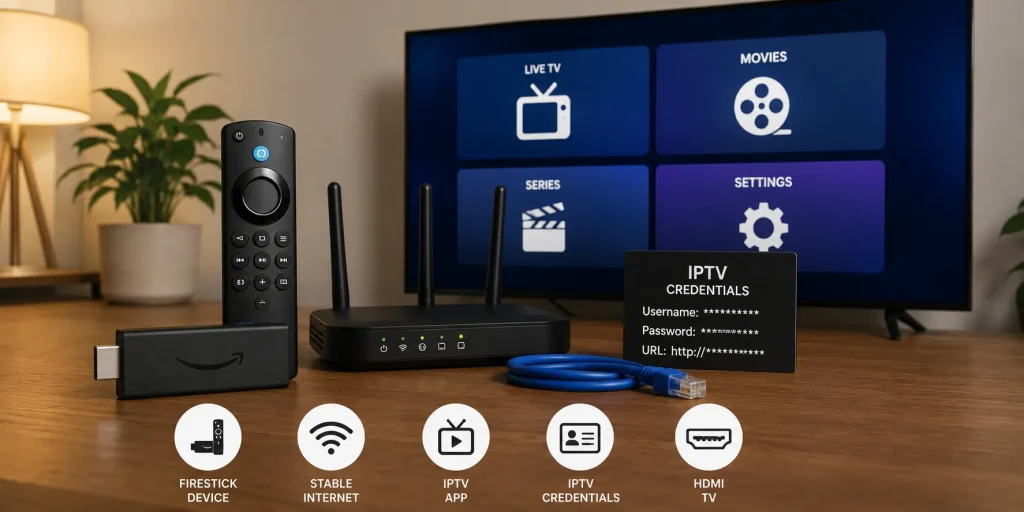
 techtvnew_tv
Introduction: Why IPTV Smarters Stops Working
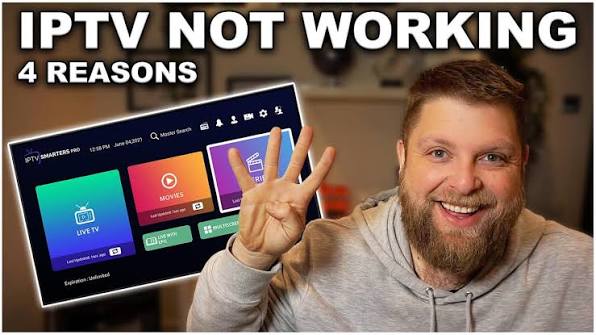
IPTV Smarters is one of the most widely used IPTV players, but like any streaming application, it can run into issues such as login failures, buffering, black screens, or missing channels.
Unlike generic IPTV problems, issues in IPTV Smarters often come from a combination of app configuration, device limitations, playlist format, or server-side incompatibility with Xtream Codes or M3U links.
This guide is structured as a practical troubleshooting framework rather than a basic checklist, so you can identify and fix problems faster.
Step 1: Understand the Type of IPTV Smarters Problem
Before applying fixes, you need to categorize the issue.
Login-Related Problems
- Invalid credentials error
- Server URL not accepted
- Infinite loading on login screen
Playback Issues
- Buffering during streaming
- Channels freezing
- Audio/video sync problems
App Performance Issues
- App crashes on startup
- Slow navigation
- Black screen after loading
Content Issues
- Missing categories
- No EPG data
- Channels not appearing
Each category points to a different technical layer.
Step 2: Fix IPTV Smarters Login Issues (Xtream Codes & M3U)
Most IPTV Smarters failures happen during login.
Xtream Codes Fix
Check carefully:
- Username spelling accuracy
- Password case sensitivity
- Server URL format (http vs https)
- Expired subscription
Even one incorrect character prevents authentication.
M3U Login Fix
If using playlist URL:
- Confirm link is active
- Remove extra spaces
- Check if URL has expired
- Try re-uploading playlist
If login still fails, test credentials on another IPTV app.
Step 3: Clear IPTV Smarters Cache (Critical Fix)
Cache corruption is a major hidden cause of instability.
What cache problems cause:
- App freezing
- Slow loading channels
- Black screen after login
- Random crashes
Fix:
- Go to device settings
- Open Apps → IPTV Smarters
- Select “Clear Cache”
- Restart app
Avoid clearing data unless absolutely necessary.
Step 4: Fix Buffering in IPTV Smarters
Buffering is rarely just a speed issue.
Common causes:
- Weak Wi-Fi signal
- Overloaded IPTV server
- High-resolution stream (4K)
- Background device usage
Effective fixes:
- Switch to Ethernet connection
- Reduce stream quality (4K → HD)
- Restart router
- Close background apps
- Change DNS (Cloudflare or Google)
If buffering disappears on mobile hotspot, your ISP or router is likely the issue.
Step 5: Solve Black Screen Problems
A black screen in IPTV Smarters usually indicates decoding failure.
Causes:
- Unsupported stream format
- Hardware decoding conflict
- Corrupted stream URL
Fixes:
- Go to Player Settings
- Switch between Hardware & Software decoding
- Change external player option
- Restart stream or switch channel
This issue is device-dependent in most cases.
Step 6: Fix IPTV Smarters Crashing or Freezing
If the app crashes frequently, the problem is often system-level.
Possible reasons:
- Low RAM on device
- Outdated app version
- Corrupted installation
Solutions:
- Update IPTV Smarters app
- Reinstall from official source
- Free storage space
- Restart device completely
Older Firestick models are especially prone to crashes.
Step 7: EPG Not Loading or Missing Guide
EPG (Electronic Program Guide) issues are common in IPTV Smarters.
Symptoms:
- Empty TV guide
- No information available
- Delayed program data
Fixes:
- Refresh EPG manually
- Re-enter EPG URL
- Reload playlist
- Wait for server sync
EPG depends entirely on provider data quality.
Step 8: Fix Channels Not Showing Issue
Sometimes IPTV Smarters logs in successfully but shows no content.
Causes:
- Expired IPTV subscription
- Wrong playlist assigned
- Server-side category removal
Fix:
- Re-login with fresh credentials
- Switch playlist format (M3U ↔ Xtream Codes)
- Contact IPTV provider
If multiple users are affected, it’s a server issue.
Step 9: Optimize IPTV Smarters Performance
Even when working, the app can feel slow without optimization.
Improve performance by:
- Enabling hardware acceleration
- Using external video player
- Disabling unused categories
- Limiting playlist size
- Updating app regularly
A clean setup always performs better than a heavy playlist.
Step 10: Network Optimization for IPTV Smarters
Network instability is a major hidden factor.
Best practices:
- Use 5 GHz Wi-Fi or Ethernet
- Restart router weekly
- Avoid peak-hour congestion
- Reduce connected devices
Advanced option:
- Change DNS to 1.1.1.1 or 8.8.8.8
This can improve routing stability.
Step 11: Device Specific Issues
Different devices behave differently with IPTV Smarters.
Firestick Issues:
- Low storage
- Slow navigation
- App lag
Android TV Issues:
- App compatibility differences
- Background process limits
Mobile Issues:
- Battery optimization blocking streams
- Data saver interfering
Adjust settings per device type.
Step 12: IPTV Smarters vs Other Players
If problems persist, the issue may not be fixable within the app.
Consider alternatives:
- TiviMate
- OTT Navigator
- VLC (for M3U testing)
If another app works with the same credentials, IPTV Smarters is the issue.
Find answers to the most common IPTV questions in our complete IPTV resource.
Frequently Asked Questions
Why does IPTV Smarters keep buffering?
Usually due to weak internet, server overload, or device limitations.
Why is IPTV Smarters not loading channels?
It may be caused by expired subscription or incorrect login credentials.
Is IPTV Smarters a provider?
No, it is only a media player. It does not provide content.
Why does the app crash on startup?
Most commonly due to low device memory or corrupted installation.
Can VPN help IPTV Smarters?
Yes, in cases of ISP throttling, but it may also reduce speed if misconfigured.
Conclusion
IPTV Smarters issues are usually not random they follow predictable patterns related to login authentication, device performance, network stability, or playlist configuration.
By systematically identifying whether the issue is app-level, network-level, or server side, most problems can be resolved without technical expertise.
A stable IPTV Smarters experience depends on three core factors: a clean app installation, a stable internet connection, and properly configured playlist credentials.