 techtvnew_tv
What Is IPTV Buffering?
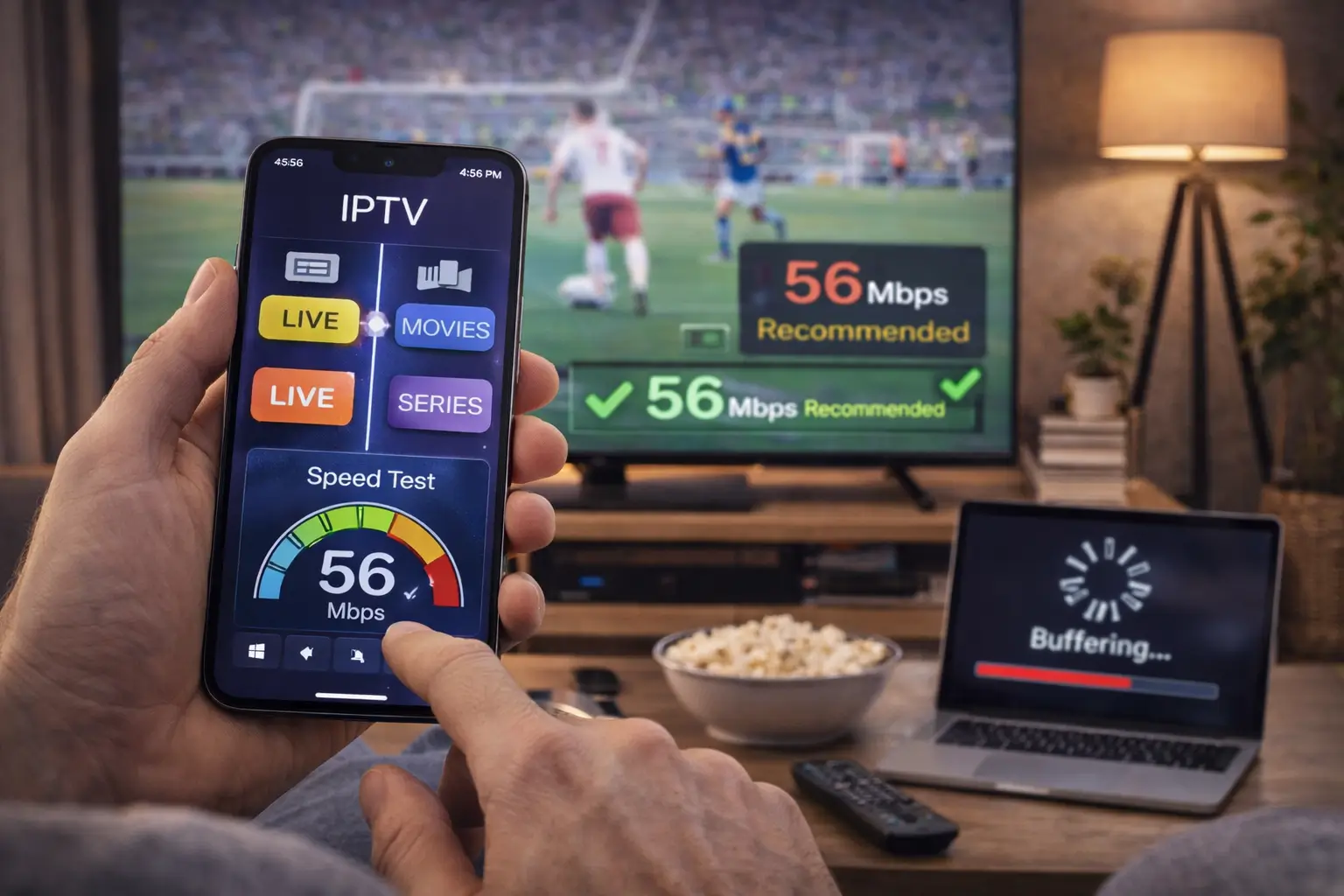
IPTV buffering happens when your streaming device cannot download video data fast enough to keep up with playback. Instead of playing smoothly, the video pauses, freezes, or loads continuously.
This issue is one of the most common problems in IPTV streaming and can be caused by multiple factors including internet speed, server performance, device limitations, or network congestion.
Understanding the root cause is the first step toward fixing buffering issues permanently.
Main Causes of IPTV Buffering
Buffering does not always come from a single source. In most cases, it is a combination of several issues.
Slow Internet Connection
If your internet speed is too low, IPTV streams will struggle to load in real time.
Recommended speeds:
- SD: 5 Mbps+
- HD: 10–15 Mbps+
- Full HD: 20 Mbps+
- 4K: 35–50 Mbps+
Weak Wi-Fi Signal
Poor Wi-Fi coverage can lead to unstable streaming even if your internet speed is fast.
Walls, distance from router, and interference from other devices can weaken your signal.
IPTV Server Overload
If many users are connected to the same IPTV server, performance may drop during peak hours.
Understand IPTV technology better by reading our Ultimate IPTV Guide for beginners and experts.
Device Limitations
Older Firestick models or low-memory devices may struggle to decode high-quality streams.
Background Apps
Running multiple apps at the same time can reduce available memory and processing power.
Check Your Internet Speed First
Before making any changes, test your internet speed.
If your speed is below recommended levels, IPTV buffering is expected.
Make sure to:
- Test multiple times per day
- Check both Wi-Fi and Ethernet
- Compare peak vs off-peak hours
If your speed is consistently low, contact your internet provider.
Use a Wired Ethernet Connection
One of the most effective ways to fix IPTV buffering is switching from Wi-Fi to Ethernet.
Benefits include:
- Stable connection
- Lower latency
- Reduced packet loss
- Faster data delivery
Ethernet is especially important for 4K IPTV streaming.
Improve Your Wi-Fi Signal
If Ethernet is not possible, optimize your Wi-Fi setup.
Best practices:
- Place router in central location
- Avoid walls and obstacles
- Use 5 GHz band instead of 2.4 GHz
- Reduce distance between router and device
A strong Wi-Fi signal can significantly reduce buffering.
Restart Your Router and Device
A simple restart often solves temporary network issues.
Restarting helps:
- Clear memory cache
- Refresh IP connection
- Fix temporary glitches
- Improve network stability
It is recommended to restart your router at least once a week.
Close Background Applications
Streaming devices have limited memory.
Apps running in the background may consume bandwidth and processing power.
Close:
- Streaming apps not in use
- Download managers
- Background updates
- Unused system apps
This frees resources for IPTV playback.
Reduce Network Traffic
Multiple devices using the same internet connection can cause congestion.
To improve IPTV performance:
- Pause downloads
- Stop cloud backups
- Limit video calls
- Disconnect unused devices
This ensures more bandwidth is available for IPTV streaming.
Lower Video Quality Settings
If buffering continues, reducing video quality may help.
Switch from:
- 4K → Full HD
- Full HD → HD
Lower resolution requires less bandwidth and improves stability.
Clear IPTV App Cache
Over time, IPTV apps store temporary data that may slow performance.
Clearing cache can:
- Improve loading speed
- Fix freezing issues
- Refresh channel list
Most IPTV apps include a cache clearing option in settings.
Update IPTV App and Device Software
Outdated software can cause compatibility issues.
Make sure to:
- Update IPTV app regularly
- Install latest Firestick or Android TV updates
- Keep firmware up to date
Updates often include performance improvements and bug fixes.
Use a Reliable IPTV Player
Not all IPTV apps perform the same.
A well-optimized IPTV player can reduce buffering by:
- Improving stream decoding
- Managing memory efficiently
- Handling large playlists better
Choosing a stable IPTV app is essential for smooth playback.
Check IPTV Server Status
Sometimes the issue is not on your side.
If the IPTV server is overloaded or offline, buffering will occur regardless of your internet speed.
Signs include:
- Multiple channels not working
- Frequent disconnects
- Same issue across all devices
In this case, contacting your IPTV provider is necessary.
Optimize Router Settings
Advanced users can improve performance using router features.
Quality of Service (QoS)
QoS allows prioritization of IPTV traffic over other internet activities.
Band Steering
Automatically connects devices to the best available frequency (2.4 GHz or 5 GHz).
Firmware Updates
Keeping router firmware updated improves stability and performance.
Use a VPN (Optional)
In some cases, ISP throttling may affect IPTV performance.
A VPN can help by:
- Encrypting traffic
- Reducing ISP interference
- Improving routing in some networks
However, VPN performance depends on server quality and location.
Replace Old Networking Equipment
Outdated routers and modems may not support modern streaming demands.
Upgrading can provide:
- Faster speeds
- Better coverage
- Improved stability
- Higher device capacity
Modern Wi-Fi 6 routers are especially effective for streaming households.
Check for Packet Loss
Packet loss can cause freezing and interruptions.
Symptoms include:
- Sudden buffering
- Pixelation
- Audio delays
Using a stable wired connection usually reduces packet loss significantly.
Best Practices to Prevent IPTV Buffering
To maintain smooth IPTV performance:
- Use high-speed internet
- Prefer Ethernet over Wi-Fi
- Restart devices regularly
- Keep apps updated
- Reduce network congestion
- Use reliable IPTV providers
- Optimize router placement
Consistency is key to preventing buffering issues long-term.
Frequently Asked Questions
Why does my IPTV keep buffering?
Buffering is usually caused by slow internet, weak Wi-Fi, overloaded servers, or device limitations.
Does faster internet fix IPTV buffering?
Yes, if buffering is caused by bandwidth limitations. However, network stability and device performance also matter.
Is Ethernet better for IPTV?
Yes. Ethernet provides a more stable and faster connection compared to Wi-Fi.
Can VPN fix IPTV buffering?
Sometimes. A VPN may help if ISP throttling is the cause, but it can also slow down connections if poorly configured.
Why does IPTV buffer at night?
Evening hours often experience network congestion due to high internet usage in your area.
Conclusion
Fixing IPTV buffering requires a combination of network optimization, device maintenance, and proper configuration. In most cases, improving your internet connection, switching to Ethernet, reducing network congestion, and keeping your apps updated will significantly enhance streaming performance.
By following the steps in this guide, you can minimize buffering and enjoy a smoother, more stable IPTV experience across all your devices.