 techtvnew_tv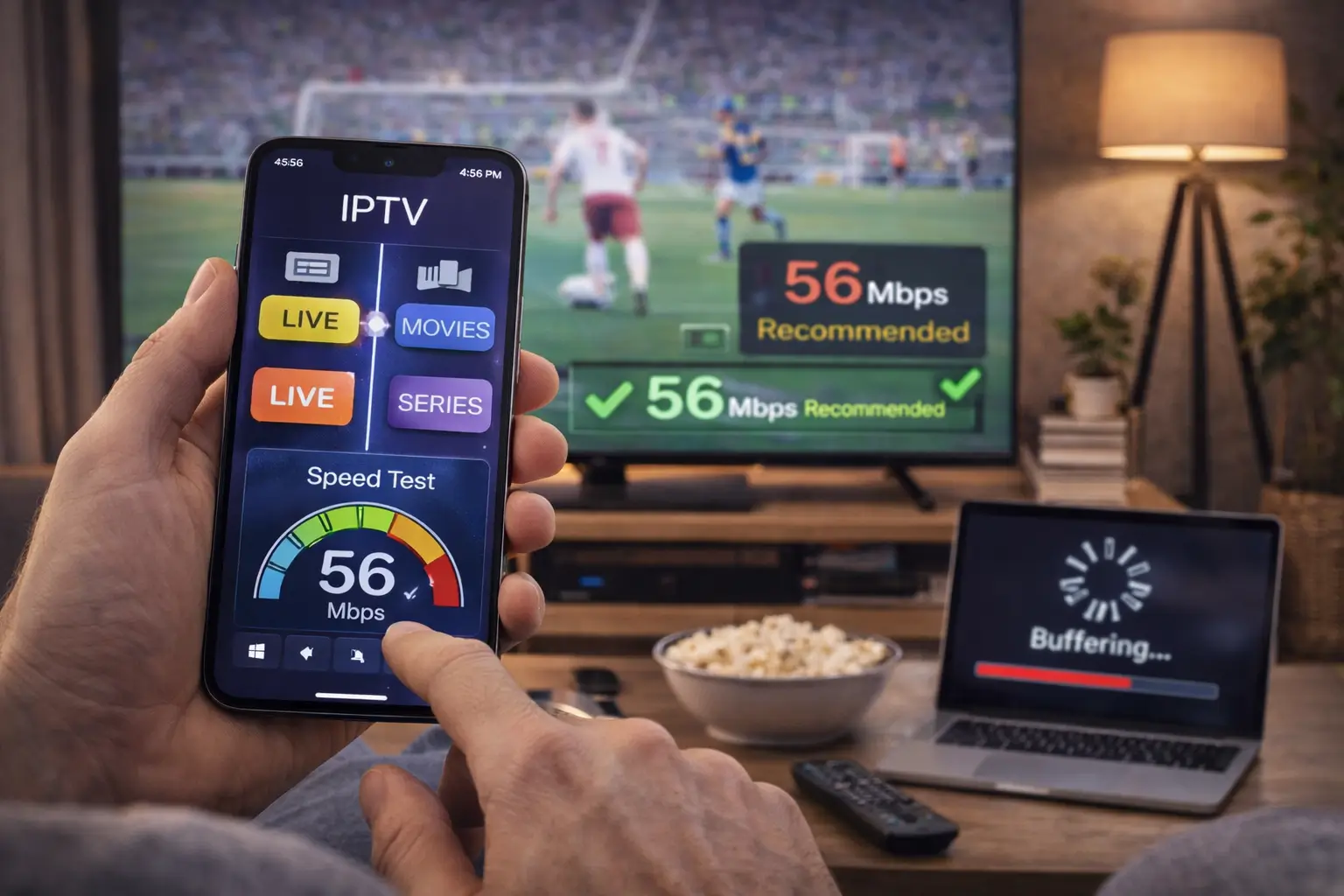
Why IPTV May Feel Slow
IPTV offers a convenient way to stream live TV, sports, movies, and on-demand content over the internet. However, many users experience slow channel loading, buffering, freezing, or poor video quality. These problems are not always caused by the IPTV provider. In many cases, your internet connection, streaming device, router, or application settings are responsible.
Optimizing your IPTV setup can significantly improve performance and provide a smoother viewing experience. This guide explains the most effective ways to speed up IPTV while reducing interruptions and improving overall streaming quality.
Check Your Internet Speed
Before changing any settings, test your internet connection.
A stable internet connection is the foundation of a reliable IPTV experience. Even the best IPTV service cannot perform well if your network is slow or unstable.
As a general guideline:
- SD Streaming: 5 Mbps or higher
- HD Streaming: 10–15 Mbps
- Full HD Streaming: 20 Mbps or higher
- 4K Streaming: 35–50 Mbps or higher
If multiple people use your network simultaneously, you’ll likely need additional bandwidth.
Use a Wired Ethernet Connection
Wi-Fi is convenient, but it is not always the best option for IPTV.
A wired Ethernet connection provides:
- Lower latency
- Greater stability
- Faster data transfer
- Less interference
- More consistent streaming
If your streaming device supports Ethernet, using a wired connection can noticeably improve IPTV performance.
Upgrade Your Wi-Fi Network
If Ethernet isn’t practical, optimize your wireless network.
Place your router in a central location away from thick walls, metal objects, and electronic devices that may interfere with the signal.
Whenever possible, connect your streaming device to the 5 GHz Wi-Fi band instead of 2.4 GHz, as it generally offers higher speeds and less interference over shorter distances.
For larger homes, consider a mesh Wi-Fi system to improve coverage throughout the property.
Restart Your Router Regularly
Routers run continuously and may gradually lose performance over time.
Restarting your router every few days can:
- Clear temporary memory
- Refresh network connections
- Improve stability
- Resolve minor software issues
A simple reboot often fixes unexpected IPTV buffering.
Keep Your IPTV App Updated
Developers regularly release updates that improve performance, compatibility, and stability.
Running the latest version of your IPTV player helps ensure you benefit from:
- Faster channel loading
- Bug fixes
- Better playback compatibility
- Improved security
- Enhanced user experience
Enable automatic updates whenever possible.
Update Your Streaming Device
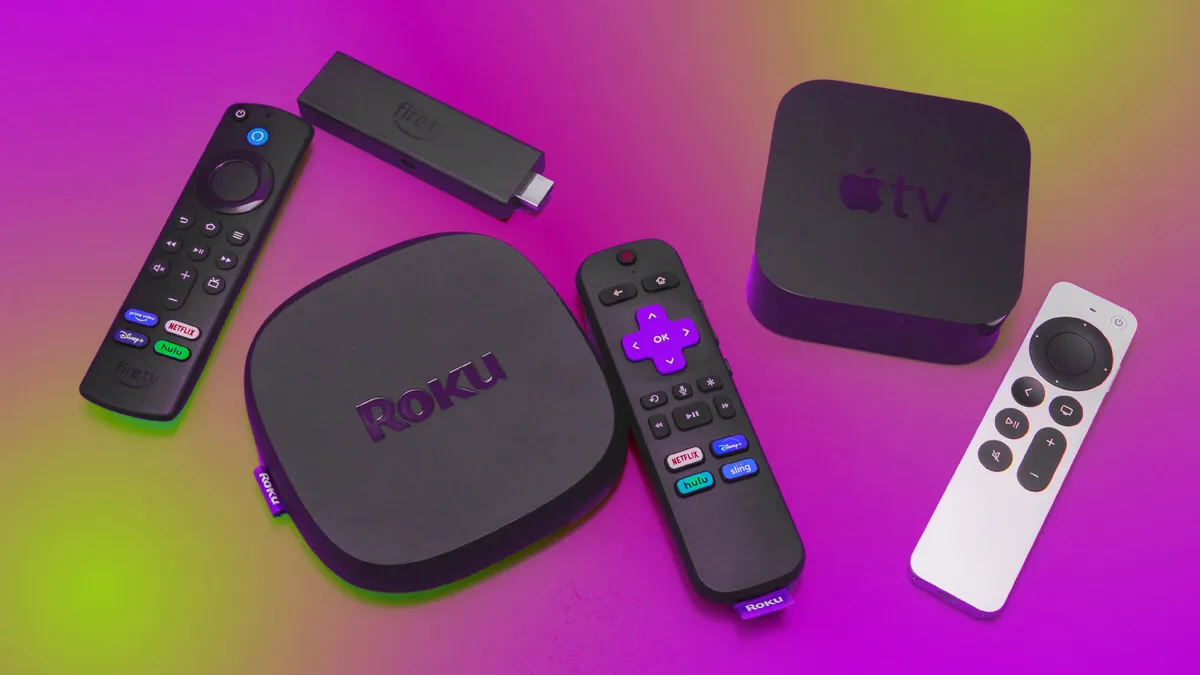
Your Fire TV Stick, Android TV, Smart TV, or streaming box should also remain updated.
System updates often include:
- Performance improvements
- Network optimizations
- Security patches
- Better hardware compatibility
Outdated software may reduce streaming performance.
Avoid buffering and connection problems with the help of our IPTV troubleshooting tips.
Clear Application Cache
Over time, IPTV applications accumulate cached data.
Large cache files can slow down navigation and increase loading times.
Clearing the cache periodically may improve:
- App responsiveness
- Startup speed
- Channel switching
- General performance
Most streaming devices include a built-in option to clear application cache without deleting your settings.
Close Background Applications
Streaming devices have limited memory and processing power.
Running multiple applications simultaneously reduces available system resources.
Close unnecessary apps before watching IPTV to free memory and improve performance.
Restarting the device occasionally also helps clear background processes.
Reduce Network Traffic
Every connected device shares your available internet bandwidth.
Streaming services, online gaming, video calls, software updates, and cloud backups all consume bandwidth that could otherwise be used for IPTV.
During streaming sessions:
- Pause large downloads.
- Delay cloud backups.
- Limit unnecessary streaming on other devices.
- Disconnect unused devices from your Wi-Fi network.
This helps maximize the bandwidth available for IPTV.
Choose the Best IPTV Player
Not all IPTV players perform the same.
A well-optimized IPTV player can improve:
- Channel switching speed
- Playlist loading
- EPG performance
- Memory usage
- Overall responsiveness
Select an IPTV application that is actively maintained and compatible with your device.
Organize Large Playlists
Some IPTV playlists contain thousands of live channels and on demand videos.
Large playlists may increase loading times.
Improve performance by:
- Removing unused categories
- Deleting inactive playlists
- Hiding unwanted channels
- Organizing favorites
A cleaner playlist makes navigation faster and easier.
Optimize Video Quality
Streaming at the highest available resolution is not always necessary.
If your connection struggles with 4K content, switching to Full HD or HD may provide smoother playback with fewer interruptions.
Lower video quality reduces bandwidth usage while maintaining an enjoyable viewing experience.
Check Your Router Placement
Router placement has a major impact on wireless performance.
For the best signal:
- Position the router in an open area.
- Avoid placing it inside cabinets.
- Keep it elevated.
- Reduce physical obstructions.
- Minimize interference from other electronics.
Better signal strength often translates into smoother IPTV streaming.
Upgrade Your Router
Older routers may not support the latest wireless technologies.
Modern routers offer advantages such as:
- Faster processors
- Better antennas
- Improved Wi-Fi coverage
- Higher connection capacity
- Enhanced traffic management
Upgrading your router can significantly improve streaming performance, particularly in homes with many connected devices.
Consider Quality of Service (QoS)
Many routers include a feature called Quality of Service (QoS).
QoS allows you to prioritize IPTV traffic over less important activities such as downloads or file synchronization.
This can improve streaming consistency during periods of heavy network usage.
Refer to your router’s documentation to see whether QoS is supported.
Restart Your Streaming Device
Streaming devices benefit from regular restarts.
Restarting helps:
- Free system memory
- Close background applications
- Refresh network connections
- Improve overall responsiveness
Many performance issues disappear after a simple reboot.
Test IPTV at Different Times
Internet performance often changes throughout the day.
If IPTV works well in the morning but buffers in the evening, network congestion may be affecting your connection.
Testing at different times helps determine whether the issue is temporary or consistent.
Verify Your IPTV Provider
If your internet connection is stable but buffering continues across multiple devices, the issue may be related to the IPTV service itself.
Before assuming the provider is responsible, verify that:
- Your internet connection is performing normally.
- Other streaming services work correctly.
- Your IPTV app is updated.
- Your playlist is valid.
Only after ruling out local issues should you contact your IPTV provider for assistance.
Common Mistakes That Slow IPTV
Many users unintentionally reduce IPTV performance by:
- Using weak Wi-Fi signals.
- Ignoring software updates.
- Running multiple bandwidth-intensive applications.
- Filling streaming devices with unnecessary apps.
- Never restarting routers.
- Using outdated networking equipment.
Avoiding these common mistakes can dramatically improve your streaming experience.
Best Practices for Fast IPTV
To keep IPTV running smoothly:
- Maintain a fast and stable internet connection.
- Use Ethernet whenever possible.
- Update your streaming apps regularly.
- Keep your router firmware current.
- Reduce unnecessary network traffic.
- Organize your playlists.
- Restart your equipment periodically.
- Monitor internet performance with regular speed tests.
Following these practices helps maintain reliable streaming over time.
Faq
Why is my IPTV loading slowly?
Slow loading may be caused by weak Wi-Fi, limited bandwidth, outdated applications, overloaded devices, or temporary network congestion.
Does Ethernet improve IPTV?
Yes. Ethernet generally provides a more stable and reliable connection than Wi-Fi reducing latency and improving streaming consistency.
Can a new router make IPTV faster?
A modern router can improve wireless coverage, increase network capacity and provide better overall performance, especially in larger homes.
Should I clear my IPTV app cache?
Yes. Clearing cached data periodically can improve application responsiveness and reduce loading times.
Will increasing my internet speed solve buffering?
If buffering is caused by insufficient bandwidth, upgrading your internet plan may help. However, buffering can also result from Wi-Fi issues, network congestion, device limitations, or server side problems.
Conclusion
Learning how to speed up IPTV involves more than simply purchasing a faster internet plan. A reliable streaming experience depends on several factors, including network stability, router performance, streaming device optimization, application updates, and efficient bandwidth management.
By following the recommendations in this guide such as using Ethernet, optimizing Wi-Fi, updating software, clearing application cache, and reducing network congestion you can significantly improve IPTV performance and enjoy smoother, more reliable streaming with fewer interruptions.