 techtvnew_tv
Best IPTV Apps for Android TV
Android TV has become one of the most popular platforms for streaming live TV, movies, and on-demand content. When paired with a reliable IPTV service, it offers a flexible and user-friendly entertainment experience. However, choosing the best IPTV app for Android TV can make a significant difference in performance, navigation, and overall viewing quality.
Some IPTV players focus on speed and simplicity, while others offer advanced features such as Electronic Program Guide (EPG) integration, recording, catch-up TV, parental controls, and multi-playlist support.
In this guide, we’ll explore the best IPTV apps for Android TV, compare their features, and help you choose the one that best fits your needs.
What Is an IPTV App?
An IPTV app is a media player designed to organize and play IPTV content provided by your IPTV service.
It’s important to understand that IPTV apps do not include TV channels or subscriptions. Instead, they allow users to load playlists (such as M3U or Xtream Codes credentials) supplied by a legitimate IPTV provider.
Most IPTV apps support:
- Live TV
- Video on Demand (VOD)
- TV series
- Electronic Program Guide (EPG)
- Favorites
- Multiple playlists
- Search functionality
What Makes a Great Android TV IPTV App?
Before choosing an IPTV player, consider these important features.
Easy Navigation
Android TV is designed for remote controls rather than touchscreens. A good IPTV app should offer an intuitive interface that’s easy to navigate using a TV remote.
Fast Performance
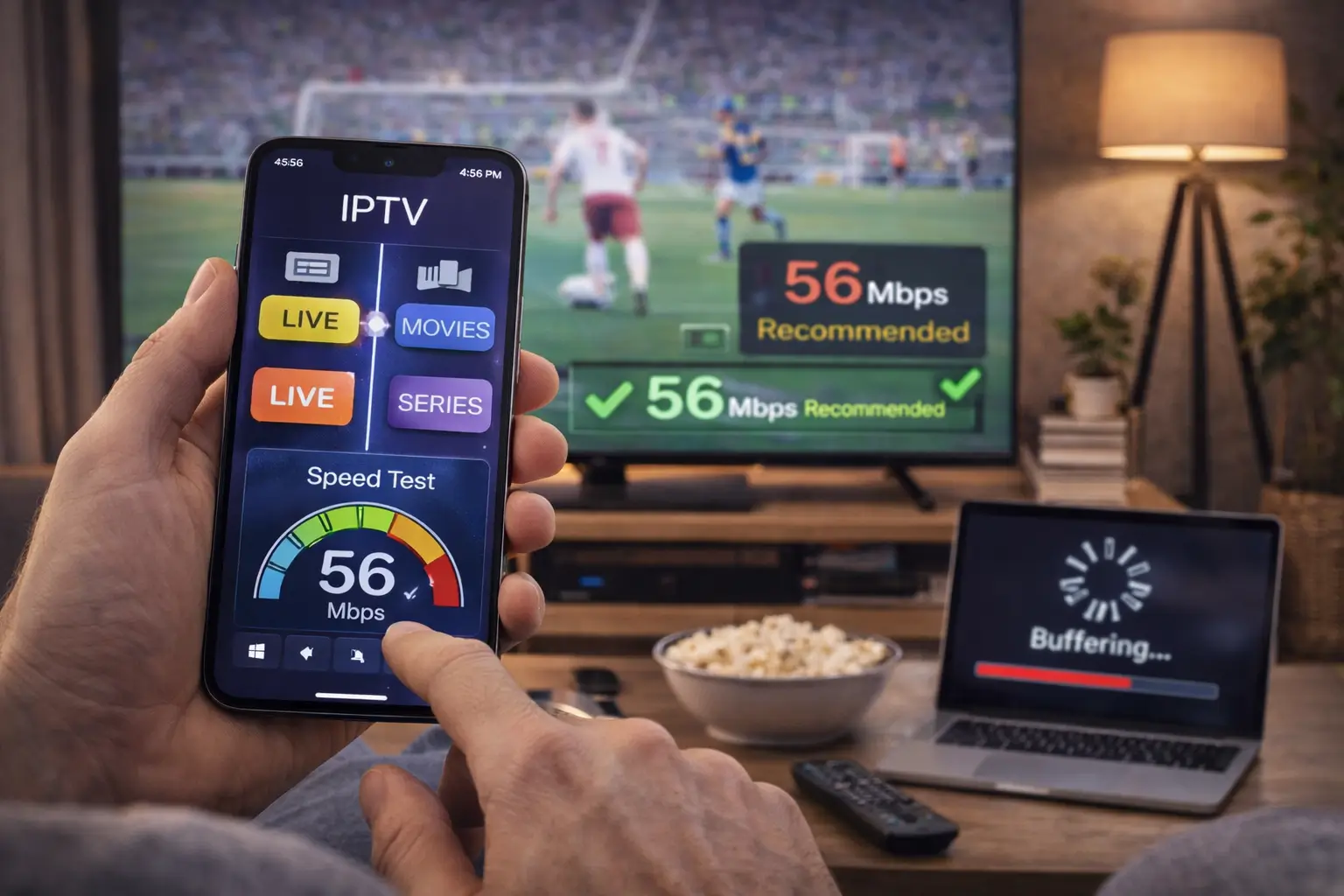
A quality IPTV player should load channels quickly, switch streams smoothly, and minimize buffering when used with a stable internet connection.
EPG Support
Electronic Program Guide integration lets you browse schedules, see whats currently playing, and plan your viewing.
Multiple Playlist Support
Many users manage more than one IPTV playlist. Apps that support multiple playlists make switching between providers much easier.
Catch-Up and Recording
Some IPTV players support catch up TV, recording, or time-shifting features, depending on your IPTV provider’s capabilities.
Customization
Advanced users often appreciate customizable channel groups, themes, sorting options, and parental controls.
Best IPTV Apps for Android TV
1. TiviMate
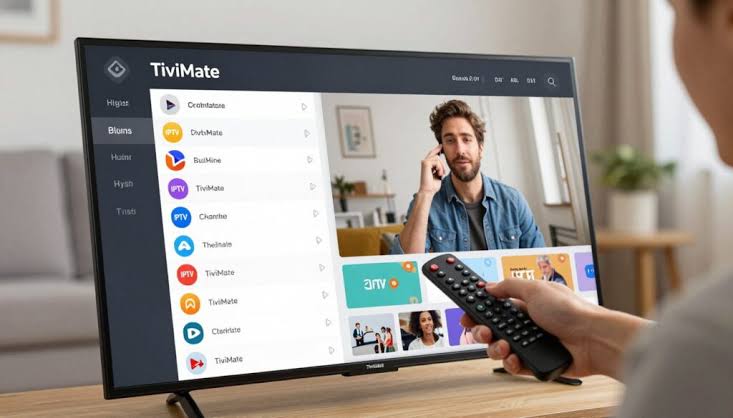
TiviMate is widely regarded as one of the best IPTV players available for Android TV.
Pros
- Beautiful TV optimized interface
- Excellent EPG support
- Favorites management
- Multi playlist support
- Recording support (with compatible providers)
- Picture in picture mode
- Custom channel groups
Best For
Users who want a premium television like experience.
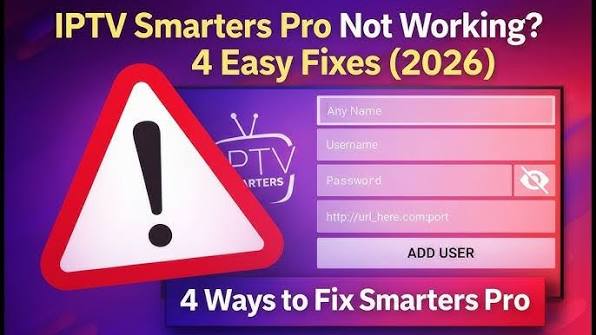
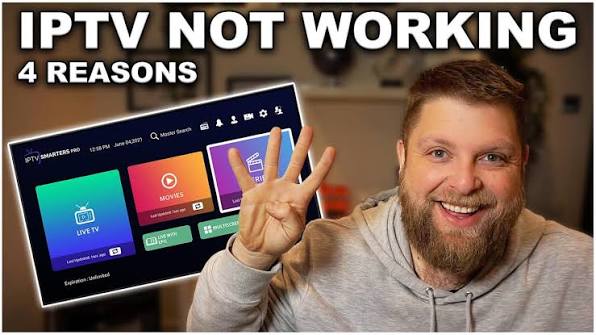
2. IPTV Smarters Pro
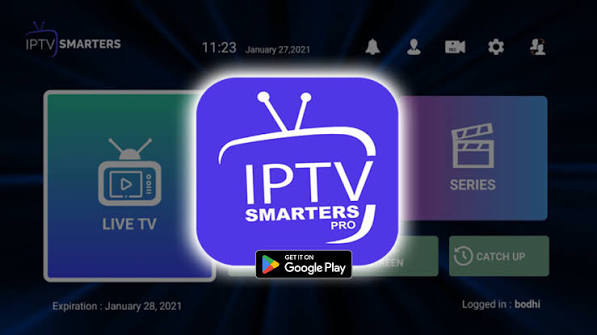
IPTV Smarters Pro is one of the most recognized IPTV players worldwide.
Features
- Xtream Codes support
- M3U playlist support
- Live TV
- Movies
- TV series
- Multi screen support
- External player compatibility
- Built-in parental controls
Best For
Families and users who want an all in one IPTV application.
New to IPTV? Start with our complete IPTV tutorial to avoid common mistakes.
3. Kodi
Kodi is much more than an IPTV player.
It serves as a complete home theater platform supporting:
- IPTV playlists
- Local media
- Music libraries
- Add-ons
- Subtitles
- Advanced customization
Pros
- Free and open source
- Huge community
- Highly customizable
Cons
- Requires more setup than most IPTV apps.
4. Perfect Player IPTV
Perfect Player has remained popular for years thanks to its lightweight design.
Features include:
- M3U support
- XMLTV EPG
- Simple interface
- Fast channel switching
- Android TV optimization
Best suited for users who prefer speed over visual effects.
5. OTT Navigator IPTV
OTT Navigator is designed for users who enjoy advanced customization.
Key features include:
- Automatic channel grouping
- Extensive filters
- Multi provider support
- Catch up support
- Powerful search
- Picture in picture
It offers one of the richest feature sets available.
6. Sparkle TV
Sparkle TV has become increasingly popular among Android TV users.
Highlights include:
- Modern interface
- DVR support
- Timeshift
- Multiple playlist support
- Excellent EPG
- Remote friendly navigation
Its clean design makes it easy for beginners to learn.
7. Televizo IPTV Player
Televizo balances simplicity and functionality.
Key features:
- M3U support
- Xtream Codes
- EPG integration
- Channel search
- Favorites
- Subtitle support
It is particularly suitable for users seeking a straightforward setup.
8. VLC Media Player
Although VLC is primarily known as a media player, it can also play IPTV playlists.
Advantages:
- Free
- Lightweight
- Reliable playback
- Supports many formats
Limitations:
- Limited IPTV specific features
- Basic interface
Comparison Table
| App | M3U | Xtream Codes | EPG | Recording | Best For |
|---|---|---|---|---|---|
| TiviMate | ✔ | ✔ | ✔ | ✔ | Power users |
| IPTV Smarters Pro | ✔ | ✔ | ✔ | Limited | Families |
| Kodi | ✔ | Add-ons | ✔ | Add-ons | Customization |
| Perfect Player | ✔ | Limited | ✔ | No | Speed |
| OTT Navigator | ✔ | ✔ | ✔ | ✔ | Advanced users |
| Sparkle TV | ✔ | ✔ | ✔ | ✔ | Modern interface |
| Televizo | ✔ | ✔ | ✔ | Limited | Beginners |
| VLC | ✔ | No | Limited | No | Basic playback |
Free vs Premium IPTV Apps
Many IPTV apps offer both free and paid versions.
Free Versions
- Basic playback
- Single playlist support
- Limited customization
- Advertisements (in some apps)
Premium Versions
- Recording
- Multiple playlists
- Cloud backup
- Advanced EPG
- Catch up support
- Picture in picture
- Enhanced customization
If you use IPTV daily, a premium version may provide a better long term experience.
Tips for Choosing the Right IPTV App
When selecting an IPTV app, ask yourself:
- Do you need recording capabilities?
- Will you use multiple IPTV providers?
- Is a simple interface your priority?
- Do you require parental controls?
- Do you prefer maximum customization?
Your answers will help narrow down the best option.
How to Install an IPTV App on Android TV
Installing an IPTV player is straightforward:
- Open the Google Play Store on your Android TV.
- Search for your preferred IPTV app.
- Install the application.
- Launch the app.
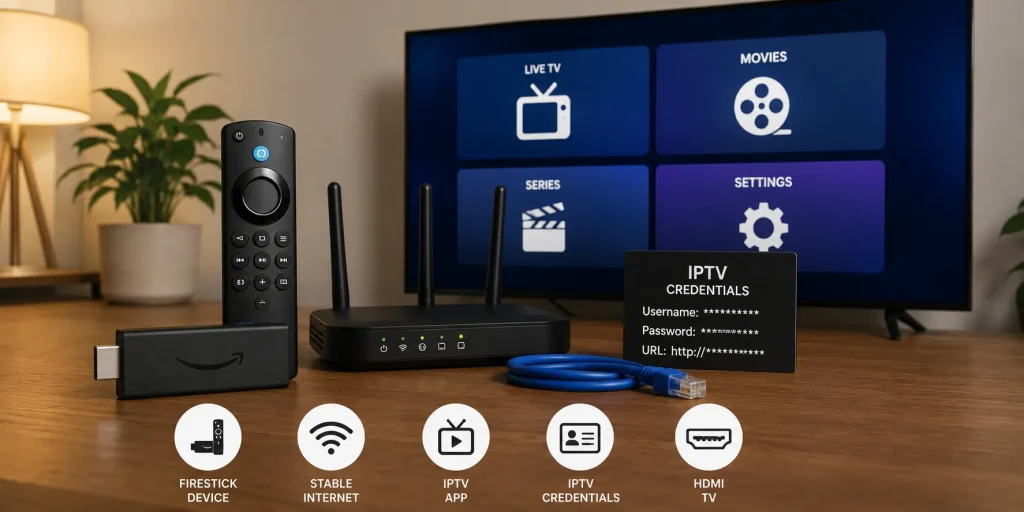
- Add your IPTV providers playlist or login credentials.
- Allow the app to load channels and EPG information.
Once configured youll be ready to browse your available content.
Common Problems and Solutions
Buffering
Possible causes include:
- Slow internet connection
- Overloaded IPTV server
- Weak Wi-Fi signal
Using a wired Ethernet connection often improves stability.
Missing EPG
Ensure that:
- The EPG URL is correct.
- Your IPTV provider supports EPG.
- The guide has finished downloading.
Channels Not Loading
Verify:
- Playlist URL
- Login credentials
- Internet connection
- Subscription status with your IPTV provider
Frequently Asked Questions
Which IPTV app is best for Android TV?
There isn’t a single best choice for everyone. TiviMate, IPTV Smarters Pro, OTT Navigator, Sparkle TV, and Televizo are among the most popular options, each with different strengths.
Are IPTV apps free?
Many IPTV players offer free versions, while some advanced features require a premium upgrade.
Do IPTV apps provide channels?
No. IPTV apps are media players and do not include TV channels or subscriptions. You need a legitimate IPTV service to access content.
Can I use multiple playlists?
Yes. Many IPTV apps allow users to add and manage multiple playlists.
Which IPTV app is easiest for beginners?
Televizo and IPTV Smarters Pro are often considered beginner friendly thanks to their simple interfaces and straightforward setup.
Final Thoughts
Choosing the best IPTV app for Android TV depends on your viewing habits, preferred features, and level of experience. If you want a polished, television like interface with powerful customization, TiviMate is an excellent option. IPTV Smarters Pro offers an all in one experience that’s easy to use, while OTT Navigator and Kodi cater to users who enjoy greater flexibility and advanced configuration.
Whichever app you choose, remember that the player itself does not provide television channels. Pair it with a legitimate IPTV service, maintain a stable internet connection, and keep the app updated to enjoy the best possible streaming experience on your Android TV.