techtvnew_tv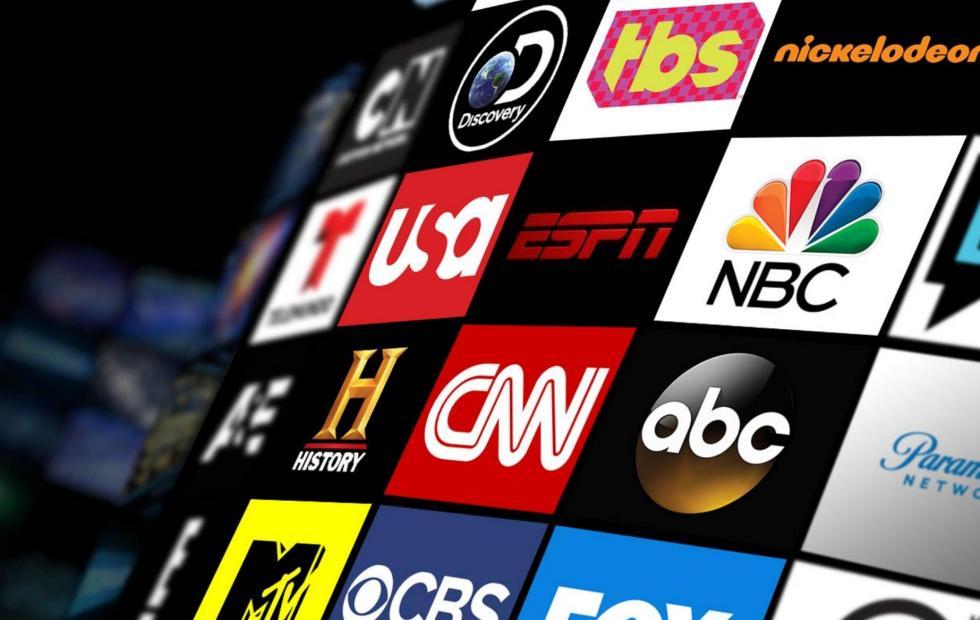
Lets be real cable TV is slowly becoming a thing of the past. These days, almost everything is moving to online streaming. And live TV streaming is at the center of it all.
The good news? You dont need complicated setups or expensive equipment anymore. With just an internet connection and the right app, you can watch live sports, news, movies, and entertainment channels from anywhere in the world.
In this guide, well break it down in a simple, friendly way so you can start streaming live TV like a pro even if youre a complete beginner.
What is Live TV Streaming?
Live TV streaming means watching television channels in real time over the internet instead of using satellite or cable.
So instead of a dish on your roof, everything is delivered through apps and streaming services.
Examples of Live TV Streaming:
- Watching football matches live on your phone
- Streaming news channels like CNN or BBC
- Watching live entertainment shows on Smart TV apps
It’s basically traditional TV but upgraded for the internet age.
Why Live TV Streaming is So Popular
People are switching to streaming for a reason:
✔ No cable box required
✔ Watch anywhere (phone, TV, laptop)
✔ Cheaper than traditional TV
✔ Huge content variety
✔ On-demand + live combined
And honestly, the flexibility is what makes it addictive.
What You Need for Live TV Streaming
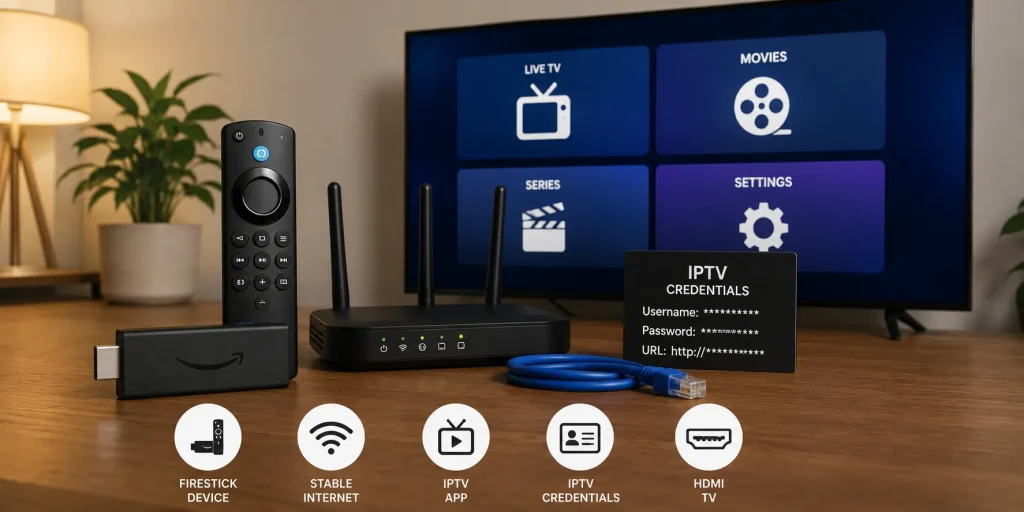
Before you start, make sure you have:
1. Stable Internet Connection
- 10 Mbps minimum (HD)
- 25+ Mbps for smooth HD/4K
2. Streaming Device
- Smart TV
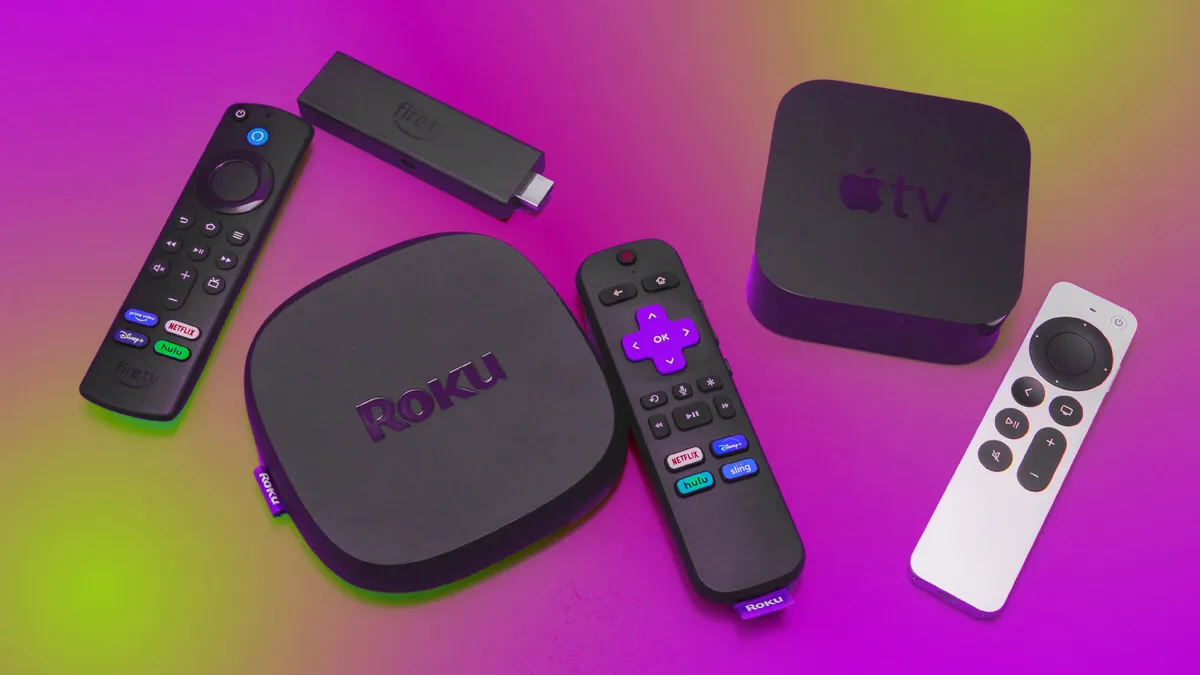
- Firestick
- Android TV Box
- Smartphone
- Laptop/PC
3. Streaming App or Service
Examples:
- IPTV apps
- YouTube Live
- Hulu + Live TV
- Sling TV
- Free streaming apps (varies by region)
Best Ways to Watch Live TV Online
Lets break it into simple options.
1. IPTV Live TV Streaming
IPTV is one of the most flexible ways to watch live channels.
How it works:
You get a playlist or login → load it into an IPTV app → watch live channels.
Popular apps:
- IPTV Smarters Pro
- TiviMate
Its flexible but depends on your provider.
2. Official Streaming Services
These are legal and stable platforms:
- YouTube TV
- Hulu + Live TV
- Sling TV
- FuboTV
Pros:
- High quality
- Reliable servers
- Legal content
Cons:
- Monthly subscription fees
3. Free Live TV Apps
Some apps offer free channels, depending on region.
Examples:
- Pluto TV
- Tubi TV
- Plex Live TV
Good for casual watching, but content is limited.
4. Browser Based Streaming
Some channels offer direct streaming on websites.
Example:
- News channels
- Sports events (sometimes)
Just open browser → go to official site → click Watch Live.
How to Improve Live TV Streaming Quality
If your stream is lagging or buffering, try these:
✔ Use wired Ethernet connection
✔ Lower stream quality (HD → SD)
✔ Close background apps
✔ Restart router
✔ Use a VPN if ISP throttles speed
Small tweaks can make a huge difference.
Common Live TV Streaming Problems (And Fixes)
❌ Buffering Issues
Fix: Improve internet or reduce quality
❌ Channel not loading
Fix: Refresh playlist or restart app
❌ Audio/video out of sync
Fix: Switch stream server or restart app
❌ App crashing
Fix: Update or reinstall app
Most issues are simple, not technical disasters.
Is Live TV Streaming Legal?
Yes but it depends on the platform.
Legal options:
- YouTube TV
- Hulu
- Netflix Live content
- Official broadcaster apps
Risky options:
- Unlicensed IPTV providers
- Pirated streams
Always choose trusted services to stay safe.
Best Devices for Live TV Streaming
🔥 Firestick
Cheap and powerful for streaming apps
📺 Smart TVs
Built-in apps, no extra hardware needed
📱 Smartphones
Best for on-the-go streaming
💻 Laptops
Great for multitasking and browser streaming
Pro Tips for Better Experience
- Use VPN for privacy and access
- Prefer paid services for stability
- Use 5GHz Wi-Fi for faster speed
- Keep apps updated
- Avoid overcrowded Wi-Fi networks
Conclusion
Live TV streaming is basically the modern version of cable TV but more flexible, cheaper, and way more powerful.
Once you set it up properly, you can watch anything from sports to news to entertainment anytime, anywhere.
The key is choosing the right platform and making sure your internet setup is solid.
FAQs
1. Can I watch live TV for free?
Yes, apps like Pluto TV and Tubi offer free live channels.
2. What internet speed do I need?
At least 10 Mbps for HD streaming.
3. Is IPTV better than streaming apps?
IPTV is more flexible, but official apps are more stable.
4. Can I watch sports live online?
Yes, many services offer live sports streaming.
5. Why does live streaming buffer?
Usually due to slow internet or overloaded servers.