Lets be honest…
Nothing kills the vibe faster than buffering during a live match.
Or when your app crashes right before your favorite show starts.
Or that annoying Playback Error message out of nowhere.
Weve all been there.
Thats why this Troubleshooting & Fixes guide exists to help you fix streaming problems quickly, easily, and without needing to be a tech genius.
Why Streaming Problems Happen
Before we fix things lets understand whats going on.
Most streaming issues happen because of:
- Slow internet
- ISP throttling
- App bugs
- Outdated devices
- Cache overload
- Server problems
- VPN conflicts
- Wrong IPTV credentials
The good news?
Most of these are easy to fix.
Problem 1: Buffering (The Most Annoying One)
Buffering is enemy number one.
Why It Happens:
- Slow internet speed
- Weak WiFi signal
- ISP throttling
- Overloaded servers
- Too many devices connected
Quick Fix Checklist:
✔ Restart your router
✔ Move closer to WiFi
✔ Switch to 5GHz WiFi
✔ Use Ethernet instead of WiFi
✔ Close background apps
✔ Lower video quality
✔ Restart streaming app
Recommended Speeds for Smooth Streaming
- SD: 5 Mbps
- HD: 15 Mbps
- 4K: 25–40 Mbps
If youre below that? Buffering is expected.
Problem 2: App Keeps Crashing
Whether youre using apps on:
- Amazon Fire TV Stick 4K
- NVIDIA Shield TV
- Android TV
- iPhone or Android phone
Crashes can happen.
Why Apps Crash:
- Corrupted cache
- Outdated app version
- Low device storage
- Software bugs
- RAM overload
Fix It Fast:
1️⃣ Clear App Cache
2️⃣ Restart device
3️⃣ Update app
4️⃣ Reinstall app
5️⃣ Free up storage space
Most crashes are solved by clearing cache.
Problem 3: Playback Error Message
That generic message drives everyone crazy.
Causes:
- Server downtime
- Expired IPTV subscription
- Incorrect login details
- VPN blocking connection
Solutions:
✔ Double check username & password
✔ Refresh playlist
✔ Try different server
✔ Disable VPN temporarily
✔ Wait 10–15 minutes (server may be down)
Problem 4: IPTV Channels Not Loading
Using IPTV apps like:
- TiviMate
- IPTV Smarters
- VLC media player
Sometimes channels won’t load.
Why This Happens:
- Provider server overloaded
- Wrong M3U URL
- Expired subscription
- Internet instability
Fix:
✔ Re enter playlist URL
✔ Contact IPTV provider
✔ Restart router
✔ Switch DNS
✔ Test another device
If it works on another device? Your main device may be the issue.
Problem 5: Audio But No Video
Strange but common.
Causes:
- Codec compatibility issue
- Hardware decoding disabled
- Corrupted stream
Fix:
✔ Enable hardware decoding in settings
✔ Switch player engine
✔ Restart stream
✔ Try alternate link
Problem 6: VPN Causing Streaming Issues
Using VPNs like:
- NordVPN
- ExpressVPN
Sometimes streams won’t load.
Why?
Streaming services block certain VPN IPs.
Fix:
✔ Switch VPN server
✔ Choose closer location
✔ Use different protocol
✔ Disable VPN temporarily
Not all servers work with all platforms.
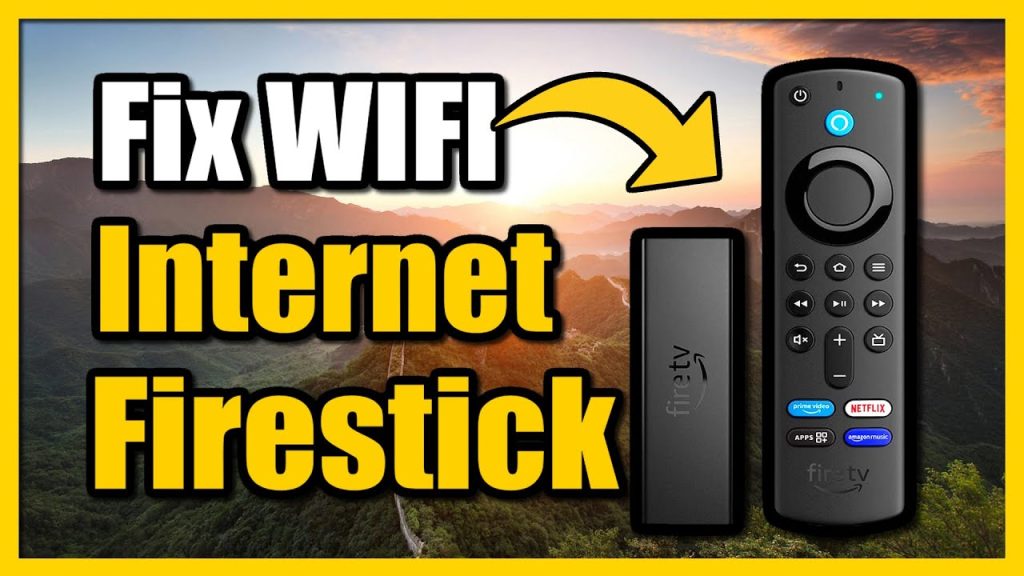
Problem 7: Firestick Running Slow
If your Firestick feels laggy:
Reasons:
- Low storage
- Too many apps installed
- Background processes
- Old firmware
Fix It:
✔ Delete unused apps
✔ Clear cache regularly
✔ Restart weekly
✔ Update Firestick software
✔ Add Ethernet adapter
Small devices need regular maintenance.
Problem 8: WiFi Signal Weak
Weak WiFi = constant buffering.
Fix Options:
✔ Move router closer
✔ Use WiFi extender
✔ Switch to Ethernet
✔ Upgrade router
✔ Upgrade internet plan
Streaming stability depends more on connection stability than raw speed.
Problem 9: Black Screen on Launch
App opens → black screen → nothing happens.
Fix:
✔ Force stop app
✔ Clear cache
✔ Reinstall
✔ Restart device
Usually corrupted temporary files.
Problem 10: Subtitles Not Working
Fix:
✔ Enable subtitles in player settings
✔ Try different subtitle source
✔ Refresh stream
Not all streams include subtitle files.
Advanced Troubleshooting Tips (2026 Edition)
Let’s level up.
🔹 Change DNS Settings
Sometimes ISP DNS causes slow streaming.
Try public DNS:
- 8.8.8.8
- 8.8.4.4
This can improve stability.
🔹 Reduce Background Traffic
If someone is:
- Downloading large files
- Gaming online
- Video calling
Your stream may buffer.
Streaming needs priority.
🔹 Factory Reset (Last Resort)
If everything fails:
Factory reset your device.
This solves deep software conflicts.
But use it only when necessary.
How to Prevent Streaming Problems
Prevention is smarter than fixing.
Heres how:
✔ Keep apps updated
✔ Restart router weekly
✔ Clear cache monthly
✔ Use stable internet
✔ Avoid sketchy APKs
✔ Dont overload device storage
Small habits = fewer headaches.
Troubleshooting for Mobile Streaming (Android & iOS)
Phones have their own issues.
Common Fixes:
✔ Turn Airplane Mode ON then OFF
✔ Switch between WiFi and mobile data
✔ Restart device
✔ Update OS
✔ Delete and reinstall app
Mobile networks fluctuate constantly.
How to Test If Problem Is Internet or App
Heres a quick trick:
- Open YouTube
- Play 1080p video
If YouTube buffers → Internet problem.
If YouTube works fine → App or server issue.
Simple diagnostic method.
Streaming Device Comparison for Stability
Devices like:
- Amazon Fire TV Stick Lite
- Apple TV 4K
Higher end devices generally handle streaming better.
More RAM = smoother playback.
When Its NOT Your Fault
Sometimes:
- Provider servers crash
- Sports event overload
- Global outages
- App updates break features
In these cases?
Just wait.
Even official services like:
- Netflix
- Disney+
Experience outages occasionally.
The Golden Rule of Troubleshooting
Always try in this order:
1️⃣ Restart app
2️⃣ Restart device
3️⃣ Restart router
4️⃣ Clear cache
5️⃣ Reinstall
6️⃣ Check internet
7️⃣ Contact provider
90% of problems are solved in step 1–3.
Final Thoughts on Troubleshooting & Fixes
Streaming problems are frustrating.
But most of them?
Are simple to fix.
You dont need to be a tech expert.
You dont need complicated tools.
You just need:
✔ Stable internet
✔ Updated apps
✔ Clean device storage
✔ Smart troubleshooting steps
Now when something goes wrong, you wont panic.
Youll fix it in minutes.
And get back to watching your favorite shows stress free. 😎📺